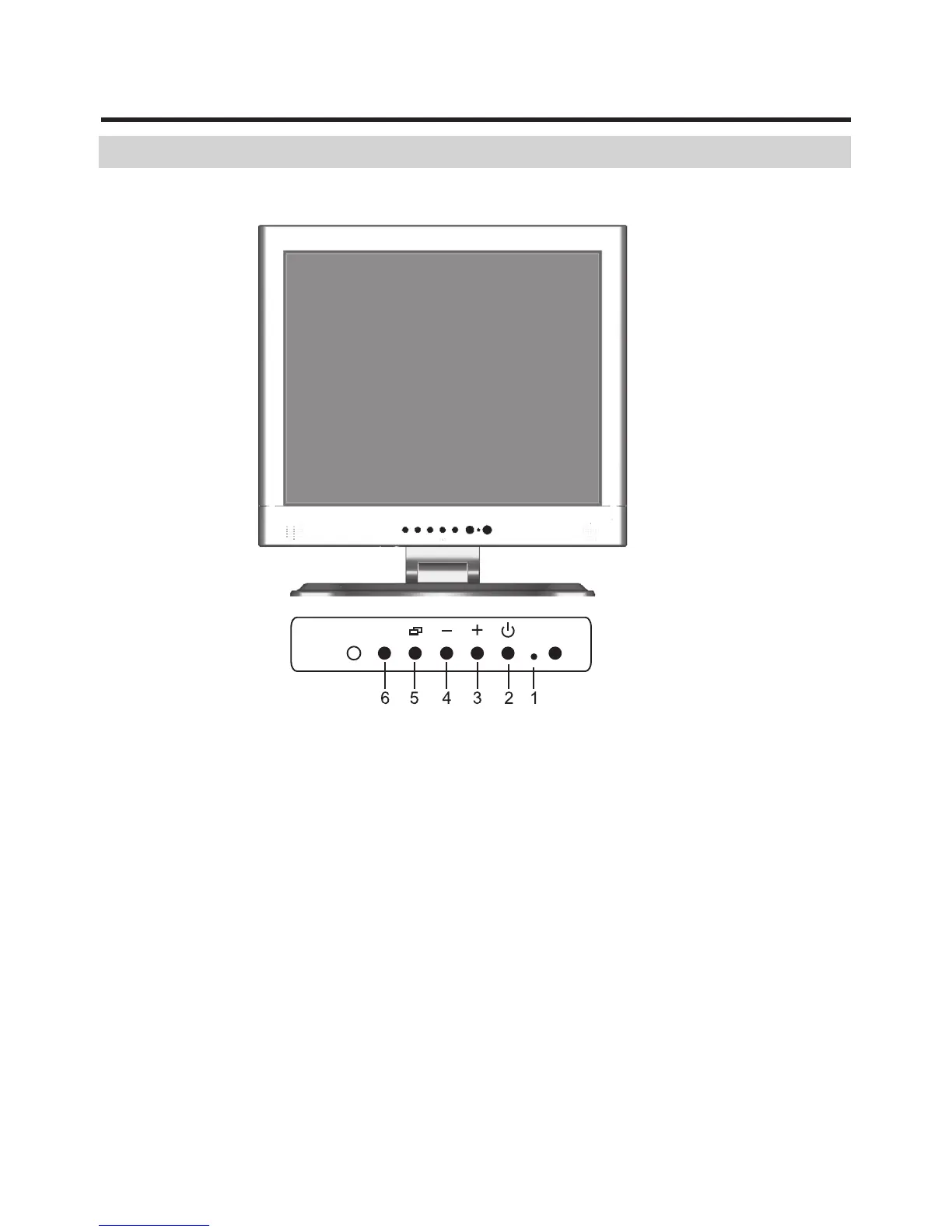
Control Function
Control Button Front View
1. PowerLED: This power LED indicates different status
when this unit operates in different modes.
2. Power switch: pressing this button turns the display
system power on or off.
3. Increase: This button is used to increase the value of
the selected OSD control option or the volume when in
audio mode.
4
CHANNEL



 To Next Page