BRIGHTNESS: Adjusts background black level of the screen
image.
CONTRAST: Adjusts foreground white level of the screen image.
H.POSITION: Moves the screen image left or right.
V.POSITION: Moves the screen up and down.
PITCH: Adjusts image distortion appearing as vertical bars or “noise”
on the screen.
PHASE: Adjusts image distortion appearing as horizonta l noise on
“ ”
the screen.
SHARPNESS: Adjusts clarity and focus of the screen images.
COLOR TEMPERATURE: Adjusts color temperatures for users.
LANGUAGE: Allows you to choose from five languages as
English, Spanish, German, French, Italian
AUDIO CONTROL: Switch muting ON/OFF and Volume control.
INPUT SELECTION: Select VGA, VIDEO IN, S-VIDEO signal input.
RESET: Returns all controls back to factory setting
COLOR: Adjusts color saturation of the screen image.
HUE: Adjusts the phase of the color of the screen image.
INPUT TYPE: Selects display ratio of the screen image 4:3 or 16:9. .
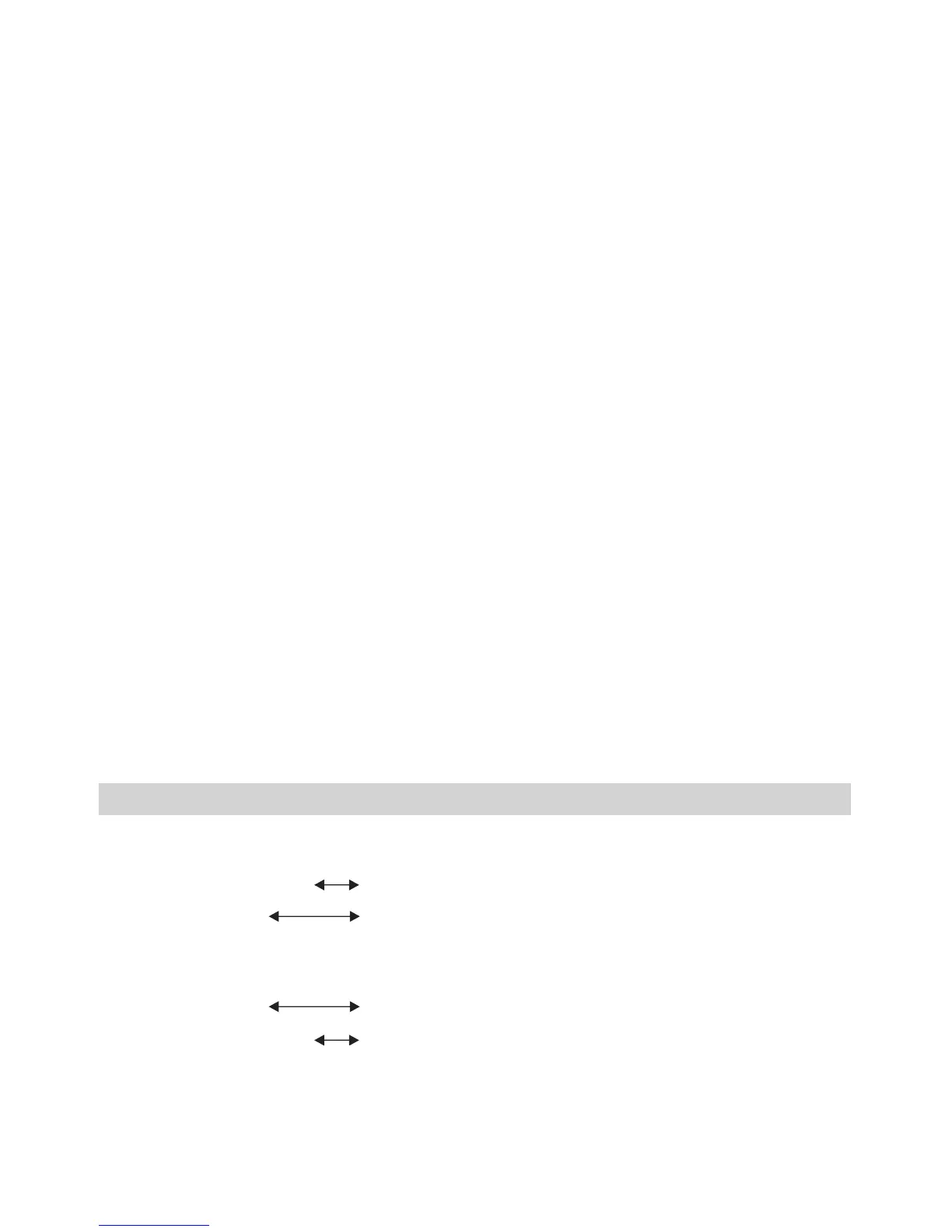
HOT KEY CONTROL
1. VGA HOT KEY
UP KEY
BRIGHTNESS
CONTRAST
2. VGA+A HOT KEY
VOLUME INCREASE
VOLUME DECREASE
DOWN KEY
UP KEY
DOWN KEY
7



 To Next Page