Congratulations on purchasing an EDISION piccollino S2+T2/C
Please note that this information is valid at the time of publication.
Current information and detailed user manuals can be found on the Internet at: www.edision.gr
Unpacking
Connecting and switching on
Remote control with 2 AAA batteries Documentation Service note
1
2
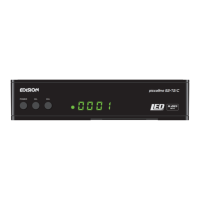
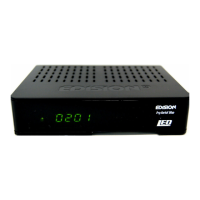
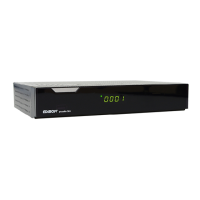
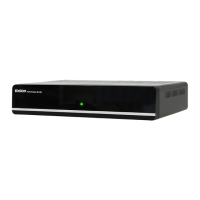
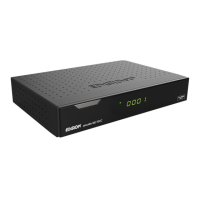
Receiver piccollino S2+T2/C
Notes: The front is factory tted with a protective foil
which can be removed easily and with caution. (Protective foil only for devices with display)
The scope of delivery may also include parts not listed here
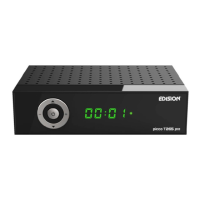
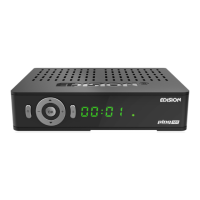
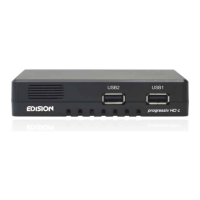
Front Panel
1
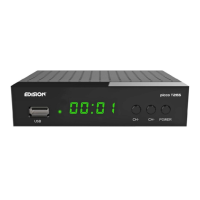
POWER button: Activates/Deactivates the device
2
CH- / CH+ buttons: for moving in the program lists
3
Infrared sensor for the reception of remote
control commands
4
Display LED, displays current information
5
Card reader
Back Panel
6
ANT IN: Input for connecting to terrestrial or cable signal
from the antenna
7
LNB IN: Connection for the coaxial cable
to the signal from the satellite system
8
ETHERNET: Ethernet port RJ45 10/100 Mbps
9
S/PDIF: Audio interface for amplier/audio console
10
HD OUT: Connection to an HDTV quality TV
11
RS 232: For connecting to a PC, for receiver software update.
12
AV OUT: For broadcasting video and sound signals
13
IR IN: Infrared connection port
14
Connection for an adapter (DC 12V/1,5A)
Subpage
15
/ 2 x USB: Connection for USB storage devices
Note: For interference-free satellite TV reception,
a specialist technician must calibrate your satellite
TV system with a digital TV level meter
•
Connect the receiver using HDMI cable via the
HD OUT output port to your TV’s HD OUT input port
•
Now connect the receiver to the satellite
antenna cable via the ANT IN or LNB IN input.
•
Insert the batteries into the remote control.
Notes on the remote control can be found on
the back of these instructions.
•
Connect the receiver to the power supply.
•
The receiver starts with the BOOT process and
is operational within a short time
Please contact
your EDISION
specialist dealer
for any further
support
and service.
piccollino S2+T2/C
High Definition Combo Receiver
35mm
110mm
146mm
DC 12V/1,5 A
S/PDIF HD OUT
LNB IN 13/18V
400mA MAX
ETHERNET
ANT IN
IR INRS 232 AV OUT
1
HDMI in
2
HD mi
kabel
HDMI
kabel
Power socket
HD OUT:
Output receiver
HDMI cable
TV set connection panel
Use an HDMI input!
LNB IN:
Connecting
the cable to the satellite
signal
ANT IN:
coaxial-wire
input from terrestrial /
cable signal
Antenna cable
coaxial-wire Antenna
15
DC 12V/1,5 A
S/PDIF HD OUT
LNB IN 13/18V
400mA MAX
ETHERNET
ANT IN
IR INRS 232 AV OUT
6
7
8
9
10
10
11
12 13
14
piccollino S2+T2/C
POWER CH- CH+
1 2
3
4
5
The CE certificate of the product is available on our webpage, by visiting this link: https://www.edision.gr/en/support

 Need help?
 General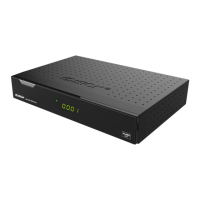

 To Next Page
