User ’ s Manual Wireless USB Adapter
6
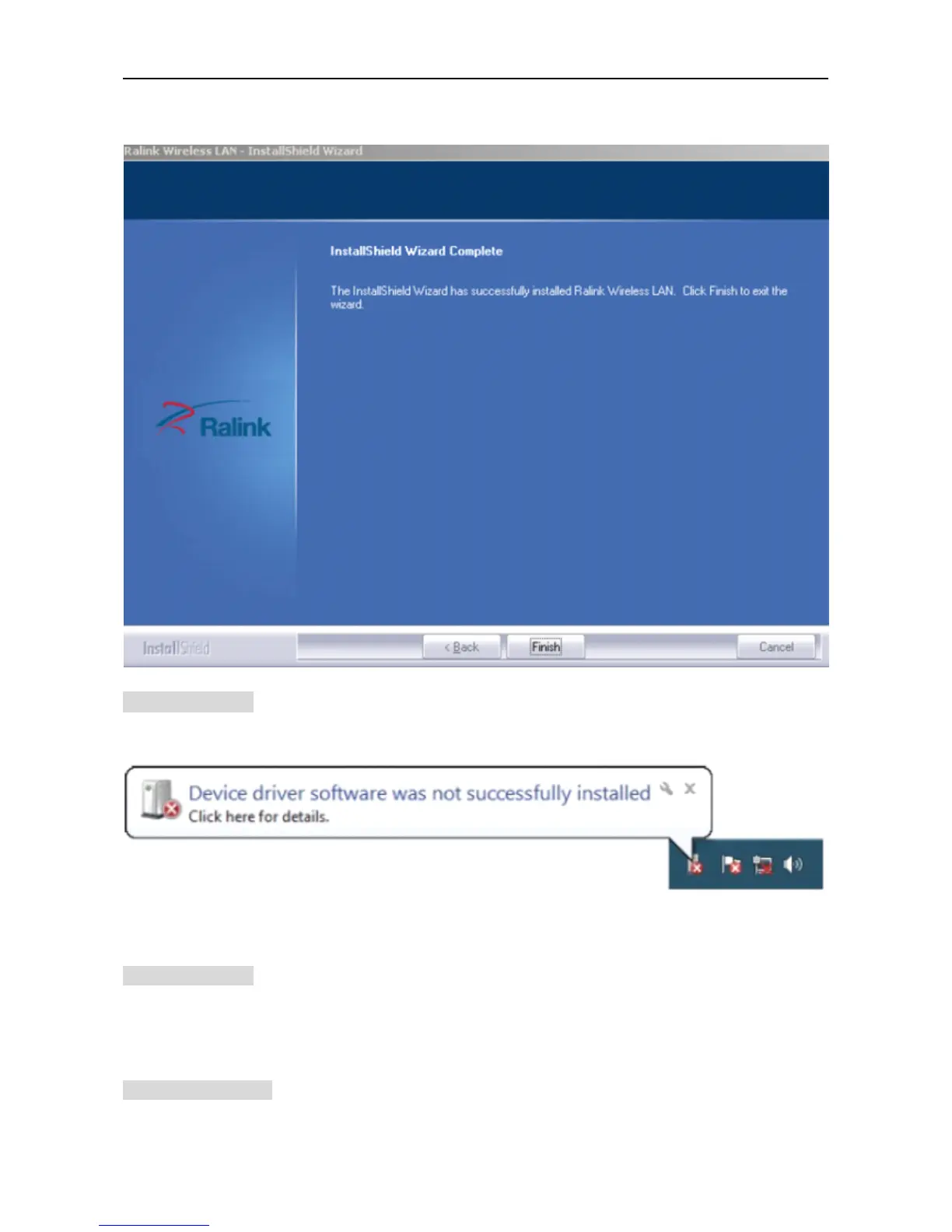
d. Click “ F
F
F
F inish
inish
inish
inish ” to finish the driver installation.
For
For
For
For Windows
Windows
Windows
Windows 7:
7:
7:
7:
Once the wireless USB adapter be plugged into an USB port, the flowing message will appear on
screen .
The following installation procedures are similar to those of Windows XP .Please refer to the installation steps for
Windows
XP.
For
For
For
For Windows
Windows
Windows
Windows 8:
8:
8:
8:
The installation procedures are similar to those of Windows XP .Please refer to the installation steps for
Windows
XP.
4.
4.
4.
4. Wireless
Wireless
Wireless
Wireless Connection
Connection
Connection
Connection
For
For
For
For Windows
Windows
Windows
Windows XP
XP
XP
XP :
:
:
:
1)
After finishing driver installation, insert the USB adapter to Notebook or PC that supports USB



 To Next Page