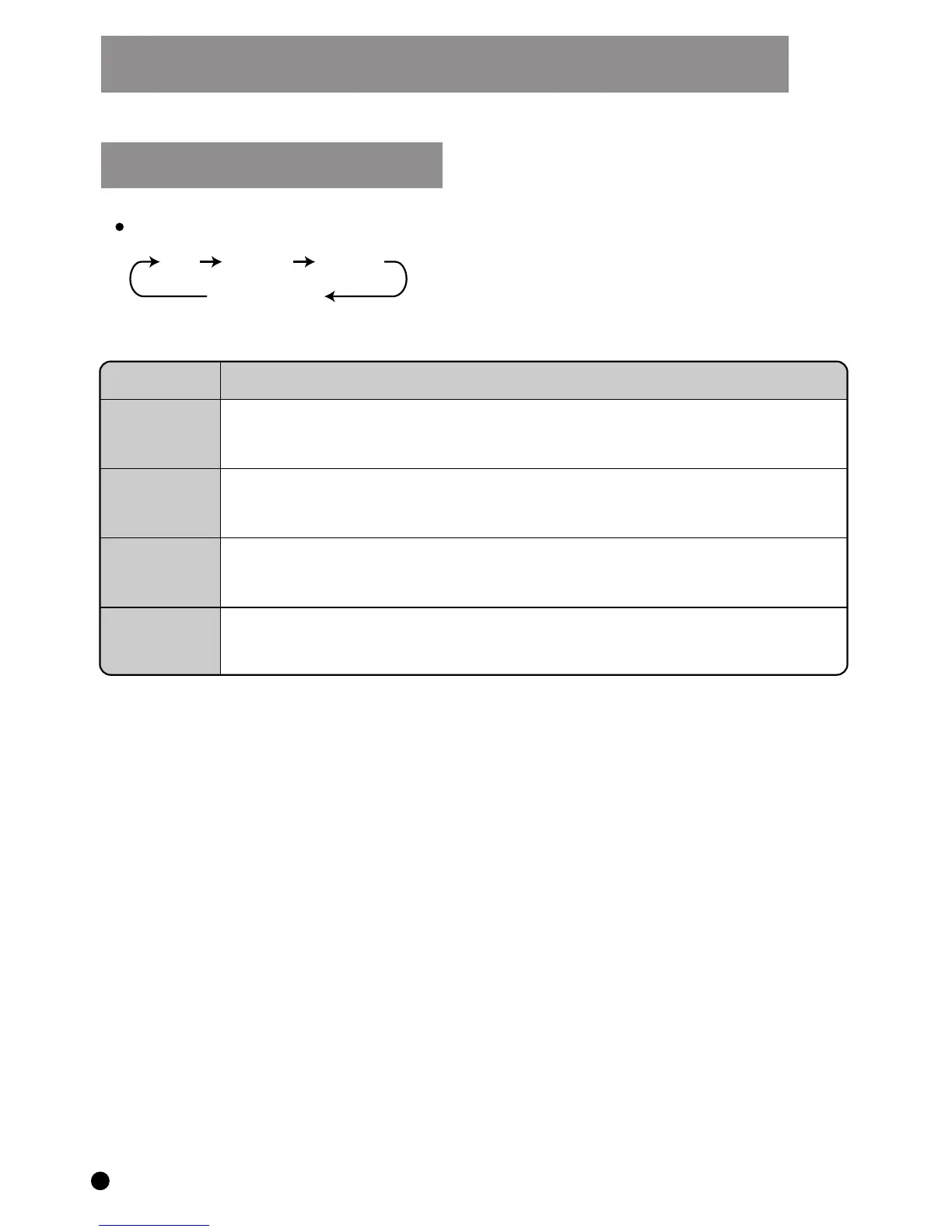
Press the AUTO SWING button through the sequence below :
UP
FRONT
WIDE
HOLD (LED OFF)
Control Panel Operating Instructions
AUTO SWING LOUVRE
MODE
DESCRIPTION
UP
FRONT
WIDE
HOLD
The automatic louvre swings in an upward direction through 90°
The automatic louvre swings in a forward direction through 60°
The automatic louvre swings in a wide angle through 150°
The automatic louvre stops swinging and is held at that position at
the moment the button is pressed
7


 To Next Page