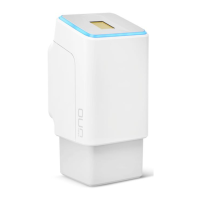
ID336/705/0/638: Version 1,
2019-05-13
Operating the ekey uno
Copyright © 2019 ekey biometric systems GmbH.
All content, artwork, and any ideas contained in this Quick Start Guide are
subject to applicable copyright laws. Any transmission, relinquishment, or
transfer of this content or parts thereof to any third party requires the prior
written consent of ekey biometric systems GmbH. Translation of the original
Quick Start Guide.
www.ekey-uno.net | This document is not subject to updating. We reserve the right to make technical modications and change the product‘s appearance; any liability for errors and misprints is excluded.
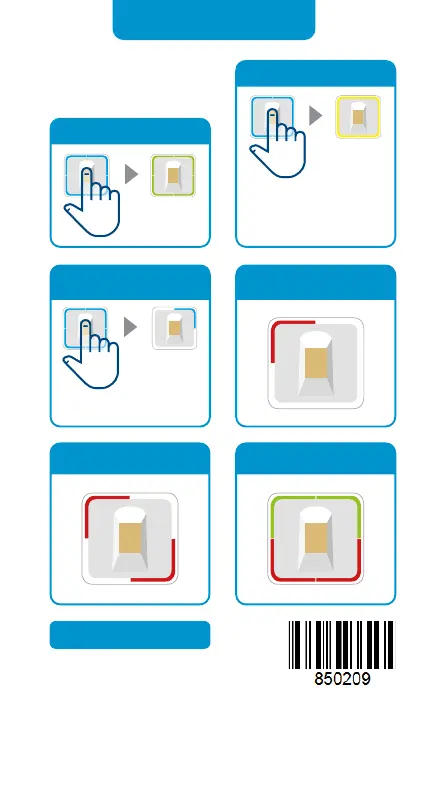
Critical battery level
Access denied due to
time slot
More information is
available in the FAQ area
of the ekey uno app
www.ekey-uno.net
Place nger on sensor, wait
until LEDs ash blue. Place
nger on sensor again
while LEDs are ashing.
Close
Open
Place nger
on sensor.
No connection to eqiva
BLUETOOTH® Smart Lock
Connect ekey uno with
mobile device
Place nger on sensor until
top right segment ashes.
Mains-powered variant
Bottom cap
Activation
sensor


 To Previous Page
 Loading...