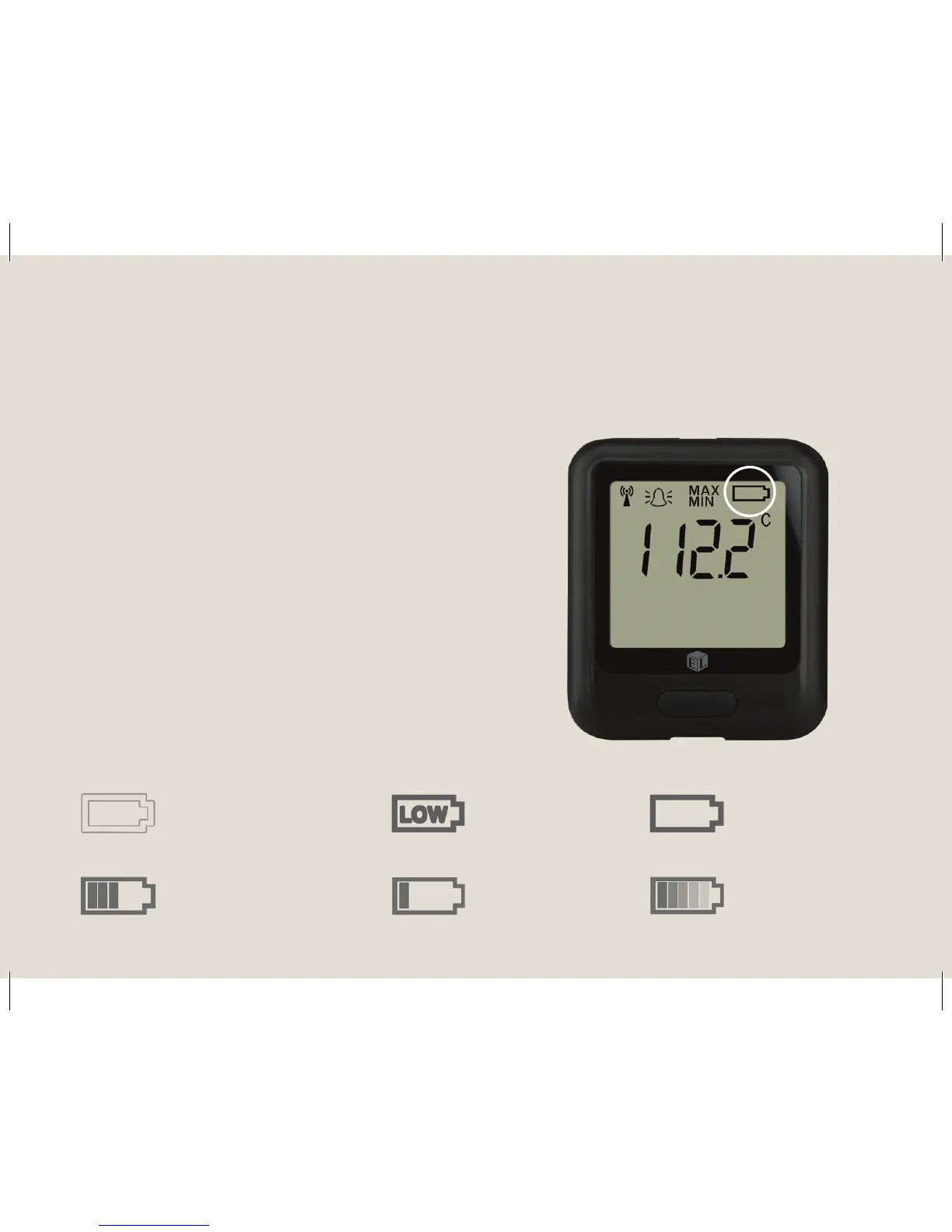
The symbols below show the range of battery
states that your device may display.
Battery states
5 easy steps to get started with your EasyLog cloud data loggers
Charge your data logger1.
Battery OK/Charged Battery Low Battery Charging
No symbol
displayed
Flashes
LOW
Solid
Solid with
bars
One bar
ashes
Bars
cycling
Or Or Or
The data logger will arrive partly charged, but
for optimum performance you should charge
it for 24 hours before use. The data logger
will automatically start recharging when
connected to a PC or USB charger using the
USB cable provided.



 To Next Page