Introduction
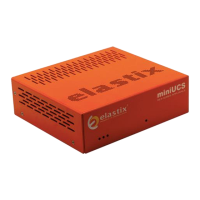
The Elastix NLX-miniUCS appliance puts at your fingertips all the tools you need to
handle your communications requirements: from telephony, to email, fax, IM, and
more. Information related to the Elastix software and updates can be found at
www.elastix.com
This guide
This guide offers important information about the NLX-miniUCS, including
technical specifications and steps to getting started using your new appliance.
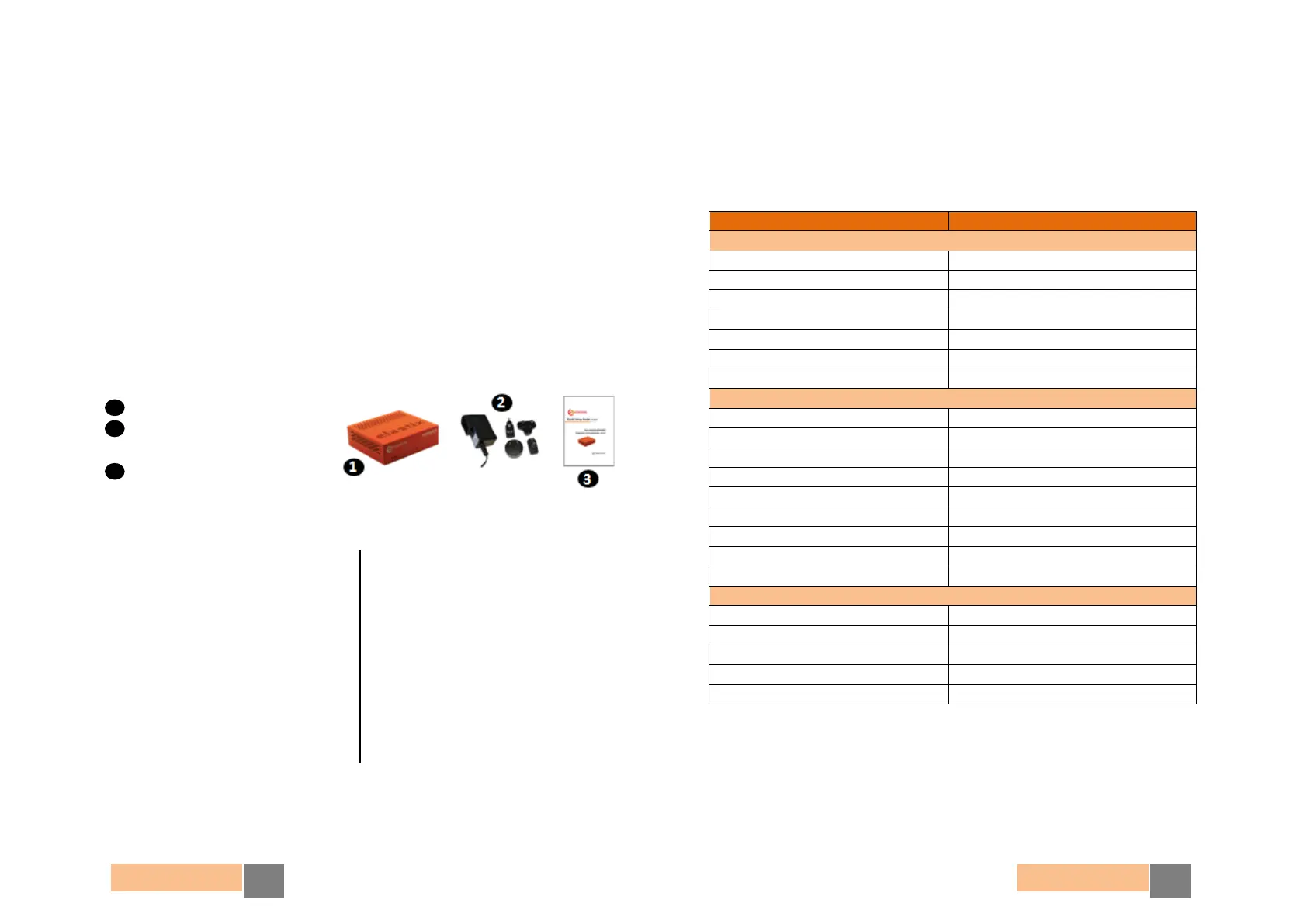
Package contents
1 Appliance
2 AC Adapter
(with interchangeable clips)
3 Quick Start Guide
Technical Specifications
*: Represents an estimate in a basic scenario. For more information visit http://elx.ec/benchmark
Default Settings
Table 1 below lists the default configurations each NLX-miniUCS comes pre-
installed with.
Serial Console connection
Table 1. NLX-miniUCS Appliance Default Settings
Physical
• Height 2.2” (56 mm)
• Width 7.13” (181 mm)
• Depth 6.42” (163 mm)
• Weight 0.84 Kg (1.85 lb)
Hardware
• CPU 1.1 GHz
• RAM 1 GB
• Hard Drive 16 GB (flash)
• Network Interface 3 x Gigabit Ethernet
• USB Ports 2
• Other ports Serial Console
Software
• Operating System Elastix (32 bits)
Telephony
• Analog Ports Customizable: up to 8 *
• Extensions Up to 50 *
• Concurrent Calls Up to 32 *
Power Supply
• Nominal Power 14 W
• Operating Voltage 120-240 V Auto switching


 To Next Page
 Loading...