User Instructions Low Temperature Freezers Model UNI/LT
displayed and the LED starts
blinking;
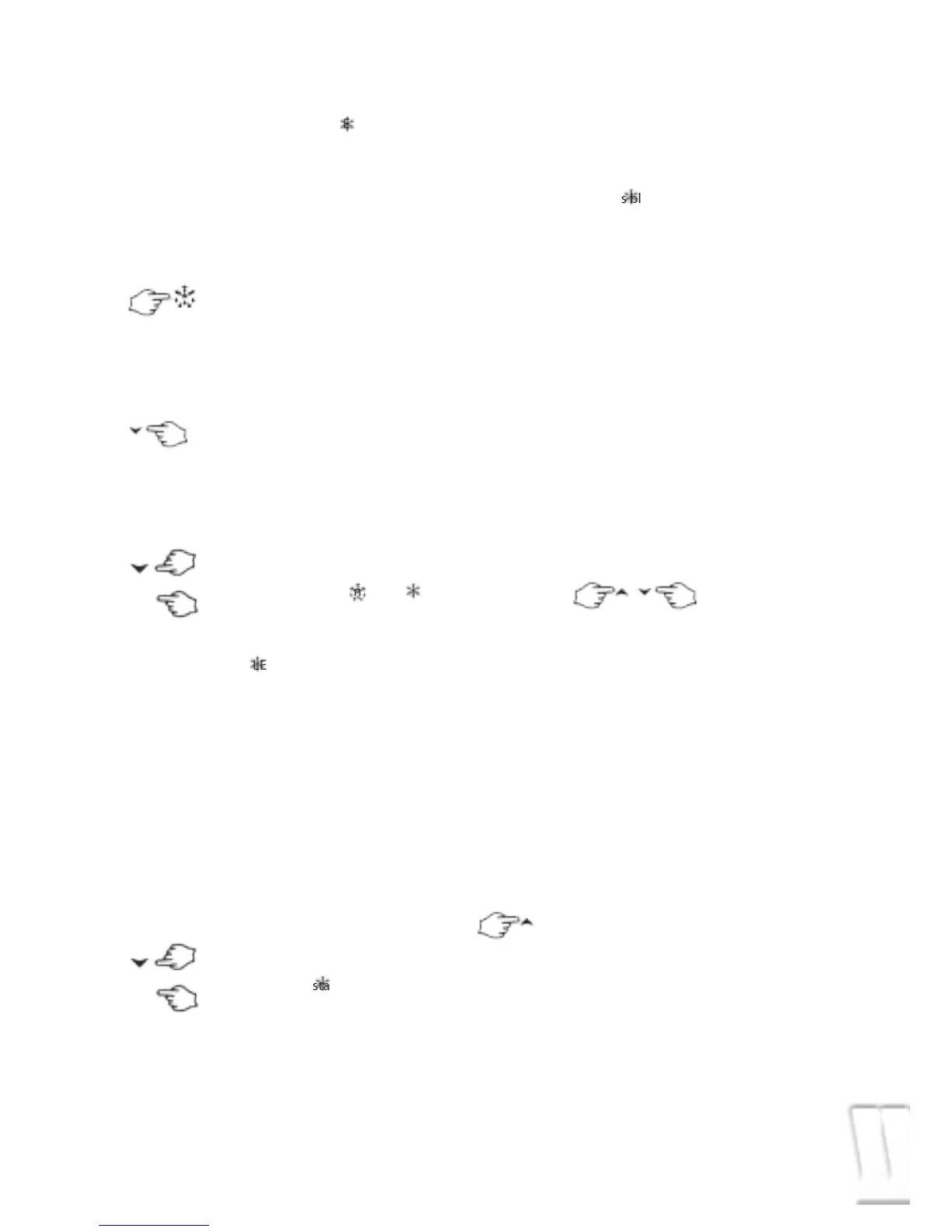
3. To change the Set value push the
o or n arrows within 10s.
4. To memorise the new set point
value push the SET key again or
wait 10s.
HOW TO START A MANUAL DEFROST
Push the DEF key for more than
2 seconds and a manual defrost
will start.
HOW TO SWITCH ON OR OFF THE SECOND
RELAY(OAC= LHt)
Hold pressed the n key for some
seconds, till the AUX LED is turned
ON or OFF
HOW TO CHANGE A PARAMETER VALUE
To change the parameter’s value operate
as follows:
1. Enter the Programming mode
by pressing the Set and
DOWN key for 3s ( and
start blinking).
2. Select the required parameter.
3. Press the “SET” key to display its value
(now only the LED is blinking).
4. Use “UP” or “DOWN” to change its value.
5. Press “SET” to store the new value and
move to the following parameter.
To exit: Press SET + UP or wait 15s without
pressing a key.
NOTE: the set value is stored even when the
procedure is exited by waiting the time-out
to expire.
THE HIDDEN MENU
The hidden menu Includes all the para-
meters of the instrument.
HOW TO ENTER THE HIDDEN MENU
1. Enter the Programming mode
by pressing the Set + n key for
3s (LED 1 and start blinking).
2. When a parameter is displayed
keep pressed the Set+ n for
more than 7s. The Pr2 label will
be displayed immediately fol-
lowed from the HY parameter.
NOW YOU ARE IN THE HIDDEN
MENU.
3. Select the required parameter.
4. Press the “SET” key to display its value
(Now only the LED is blinking).
5. Use o or n to change its value.
6. Press “SET” to store the new value and
move to the following parameter.
To exit: Press SET + o or wait 15s without
pressing a key.
NOTE: the set value is stored even when the
procedure is exited by waiting the time-out
to expire.
HOW TO MOVE A PARAMETER FROM THE
HIDDEN MENU TO THE FIRST LEVEL AND VICE-
VERSA.
Each parameter present in the HIDDEN
MENU can be removed or put into “THE
FIRST LEVEL” (user level) by pressing “SET+ n”
In HIDDEN MENU when a parameter is pres-
ent in First Level the decimal point is on.
HOW TO LOCK THE KEYBOARD
1. Keep pressed for more than 3 s the o and
n keys.
2. The “POF” message will be displayed and
the keyboard will be locked. At this point
it will be possible only to see the set point
or the MAX o Min temperature stored
3. If a key is pressed more than 3s the “POF”
message will be displayed.
TO UNLOCK THE KEYBOARD
Keep pressed together for more than 3s the
and keys, till the “Pon” message will be
displayed.
THE CONTINUOUS CYCLE
When defrost is not in progress,
it can be activated by holding
the “o” key pressed for about 3
seconds.
The compressor operates in continuous
mode for the time set through the “CCt”
parameter. The cycle can be terminated
before the end of the set time using the
same activation key “o” for 3 seconds.
7
SET
AUX
SET


 To Next Page