Multi mode: burst(3P/S、5P/S、10P/S、15P/S、30P/S、20P/2S、30P/2S、30P/3S),timer (0.5 seconds,1 seconds,2
seconds,3seconds,5 seconds, 10 seconds, 30 seconds, 1minute,5minute)
d. Remove storage and playback
Connect the camera and computer with a data cable, copy the file from camera to the computer, then you can play it in
the computer, or take the Micro SD card out and read it with a card-reader.
Delete File : Go to the file playback interface, press the wifi button, you can delete a single file.
9. Installation and use of the WIFI
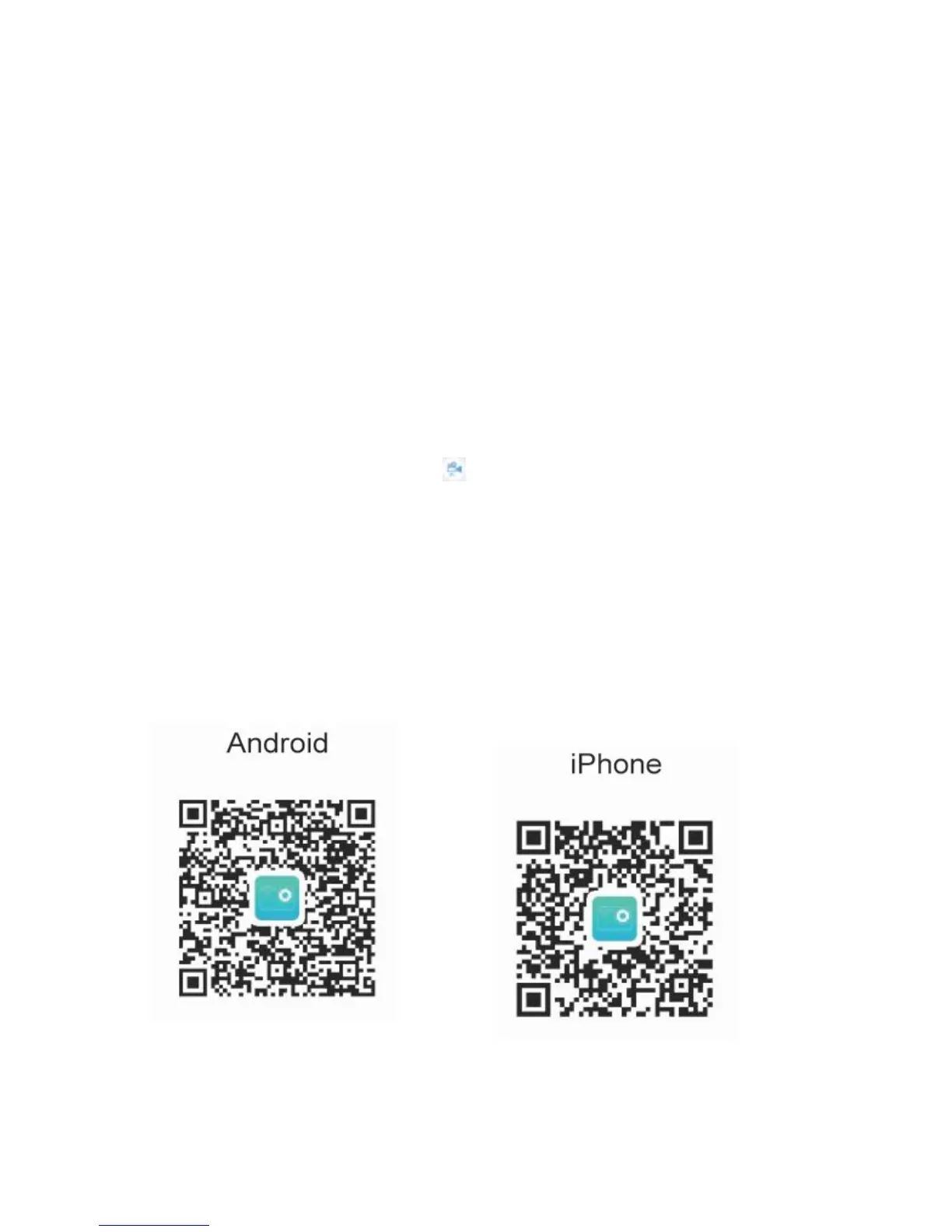
Before using WIFI function, please install "DailySport" APP program on the smartphone.
NOTE: Android users can download it in Tencent app store. IOS users can get it in the APP store.
Connection procedure:
a.After power on, press the up key, "WIFI message" appears on the screen, then the WIFI light will flash;
b. Open WIFI connection on your phone, search the WIFI SSID "ZUES_XXXX" and connected (the original password is
12345678);
c. Tap and open " DailySport " APP program,press then you can preview the shooting screen on the APP, remote
video, photo, multi,file playback ,setting,download,delete.
d. APP installation:the phone system requires Android 4.4and above or IOS8 or more, scanning " DailySport " APP
dimensional code, follow the prompts to complete the installation.
ELE-Explorer X APP Download


 To Next Page
 Loading...