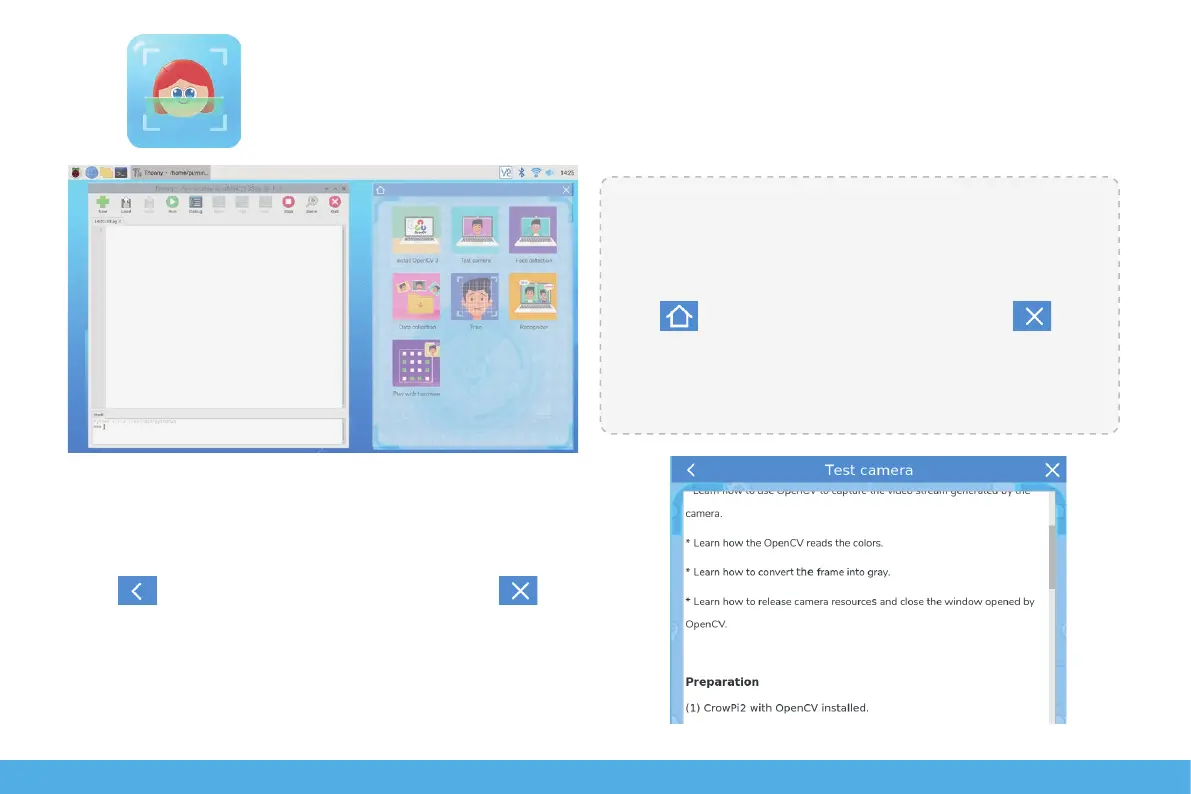
Zone A on the left is the Python programming client, and
the right Zone B is the Face Recognition Course Selection
Window for a total of 7 lessons.
Click go back to the main page and click to
close window.
Click on the corresponding course icon to access the
course instruction page:
Drag the scroll bar on the right to browse and learning.
Click to go back to the previous page, click to close
window.
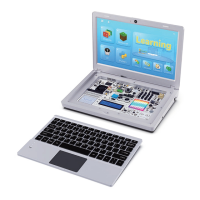
Click to enter face recognition learning. Return to the desktop and pop up the following two windows.
22
BA


 To Next Page