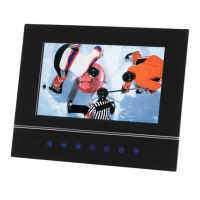
Interchangeable faceplate
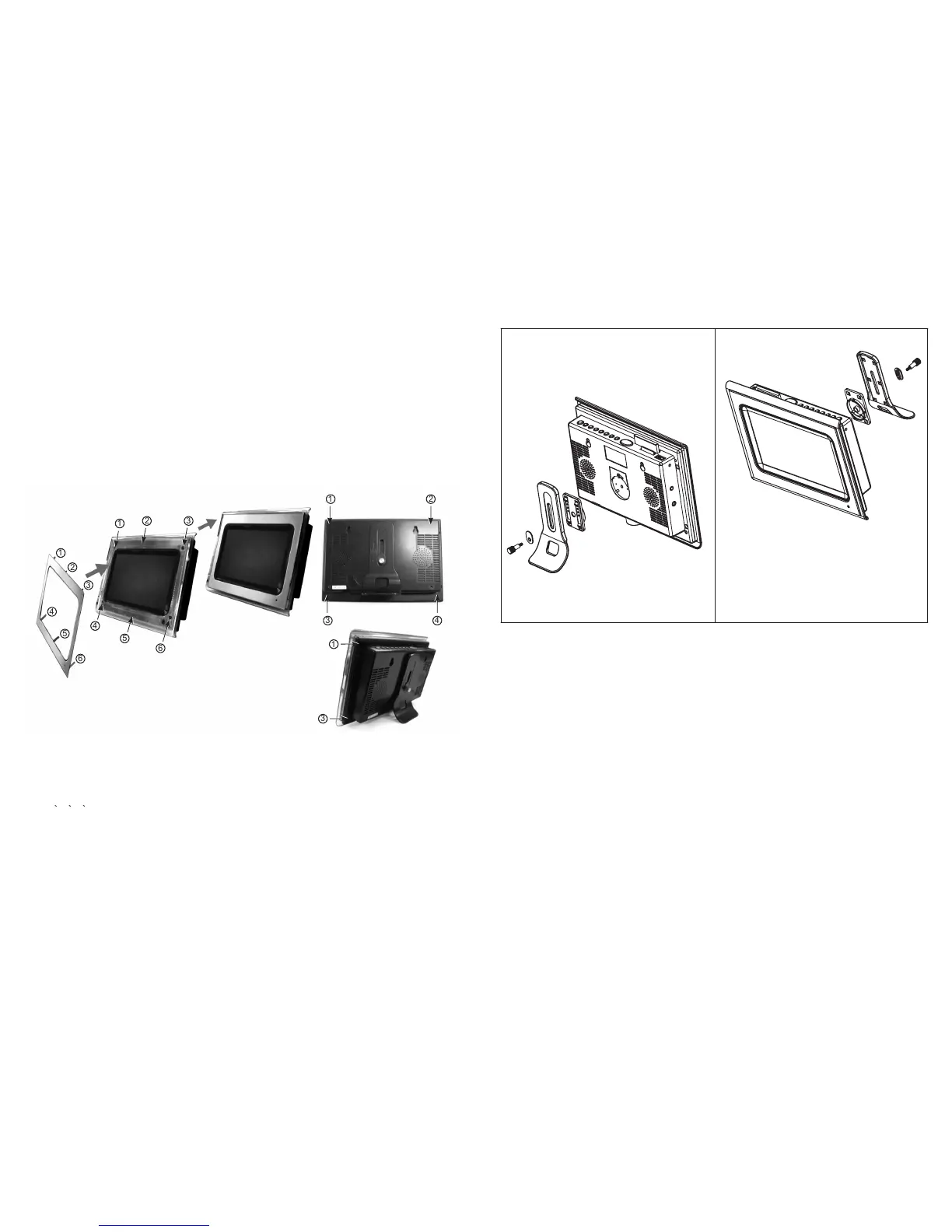
Assembly panel:
Disassembly:
to install the faceplate, locate the faceplate as picture (1) show to the photo frame as
picture (2) show by aligning them point to point, clasp the panel slightly to assembly it . Please follow
above illustrate to operate.
To remove the faceplate, use a small provided pin to press each hole (as picture 4 show
point 1 2 3 4 ), then the panel can be taken out easily.
1
2
3
4
5
6
1
2
3
4
5
6
1 2
3 4
1
3
Picture(1)
Picture(2)
Picture(3)
Picture(4)
Picture(5)
5
F.BWD/previous:
F.FWD/next:
Mute:
Volume+ & volume-:
Press this button once during play to skip a file or picture backward, press and hold this
button during normal playback of video or audio files, the playback speed will cycle with each press as: 2X,
4X, 8X, 16X, 32X, Normal
Press PLAY to resume normal playback.
Press this button once during play to skip a file or picture ahead, press and hold this button
during normal playback of video or audio files, the playback speed will cycle with each press as: 2X, 4X,
8X, 16X, 32X, Normal
Press PLAY to resume normal playback.
Press the MUTE button, the audio output of the main unit will be shut off; pressing this button again
or VOLUME button will resume the audio output.
Press volume + button to increase the volume, and press volume- button to reduce
the volume.
6
Bracket assembly illustration
Cleaning the Digital Photo Frame
Cleaning the screen
Cleaning the cabinet
1. Please make sure that you have turned off and unplugged the digital photo frame from the AC outlet
before cleaning it.
2. Don't put any liquid on the screen or the cabinet directly.
1. Gently wipe the screen with a soft, lint-free cloth to remove dust and other particles that can scratch the
screen.
2. To clean the tough areas, use a soft, lint-free cloth with a few drops of water to remove stubborn dirt.
3. Never apply any pressure on the surface of the screen.
1. Use a soft, dry cloth to clean the cabinet.
2. To clean the tough areas, use a soft, lint-free cloth with a few drops of water to remove stubborn dirt.


 To Next Page
 Loading...