30
TEMPERATURE SET
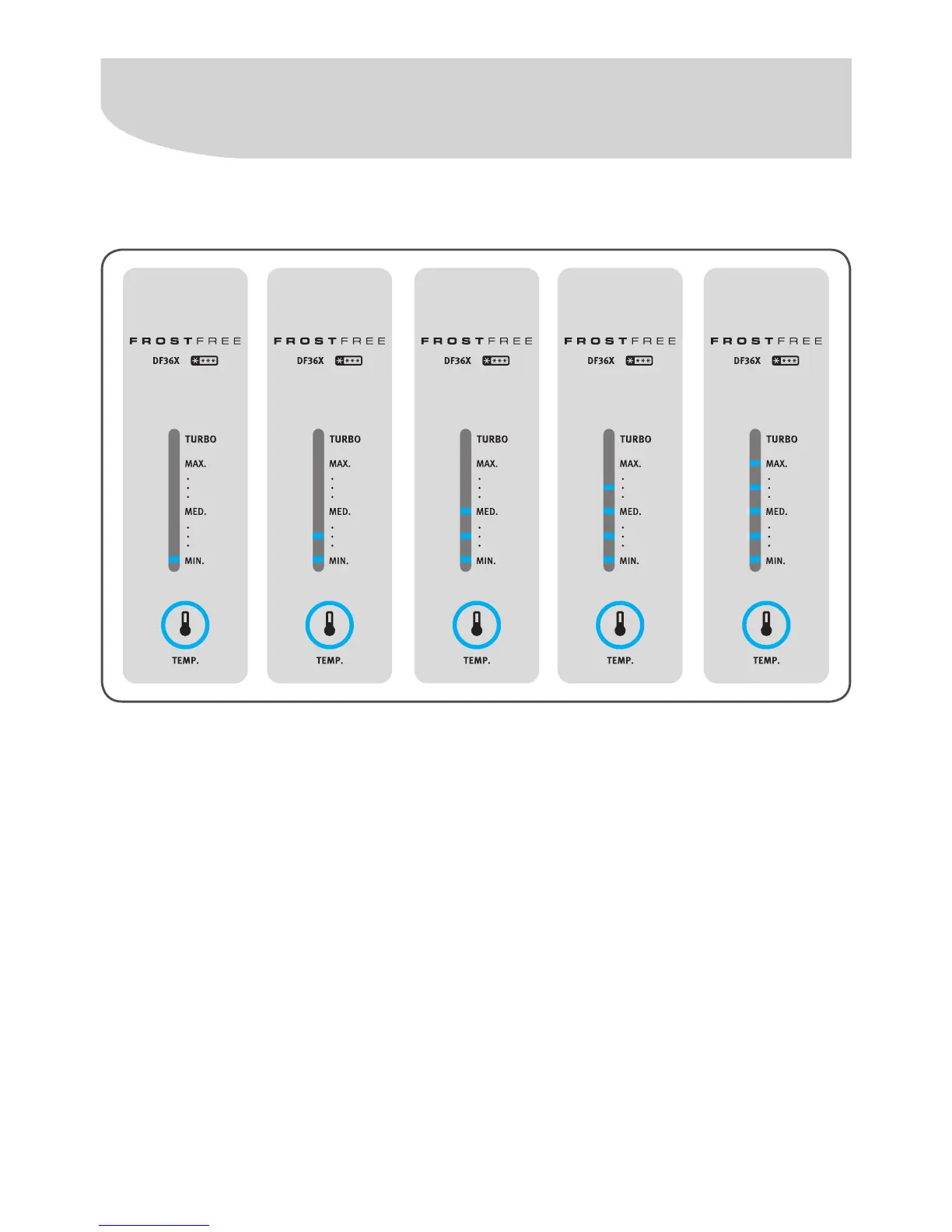
The adjustment is done by touching the key. Each touch will cause the temperature indicators to be increased
until it reaches its maximum, as shown below.
Obs.: When the refrigerator is set, the control will always indicate the MEDIUM position (the default setting).
TURBO function
Allows quick cooling and freezing of food. The running time of this function is 3h. To select the function, just
touch the TEMP. key for 1 second. All temperature indicators will be ON. If you want to cancel this function, just
touch the TEMP. key again for 1 second. At the end of the function, the panel returns to the initial temperature
setting before selecting the TURBO function.
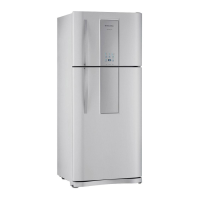
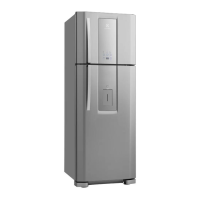
Refrigerator operating
characteristics




 To Next Page