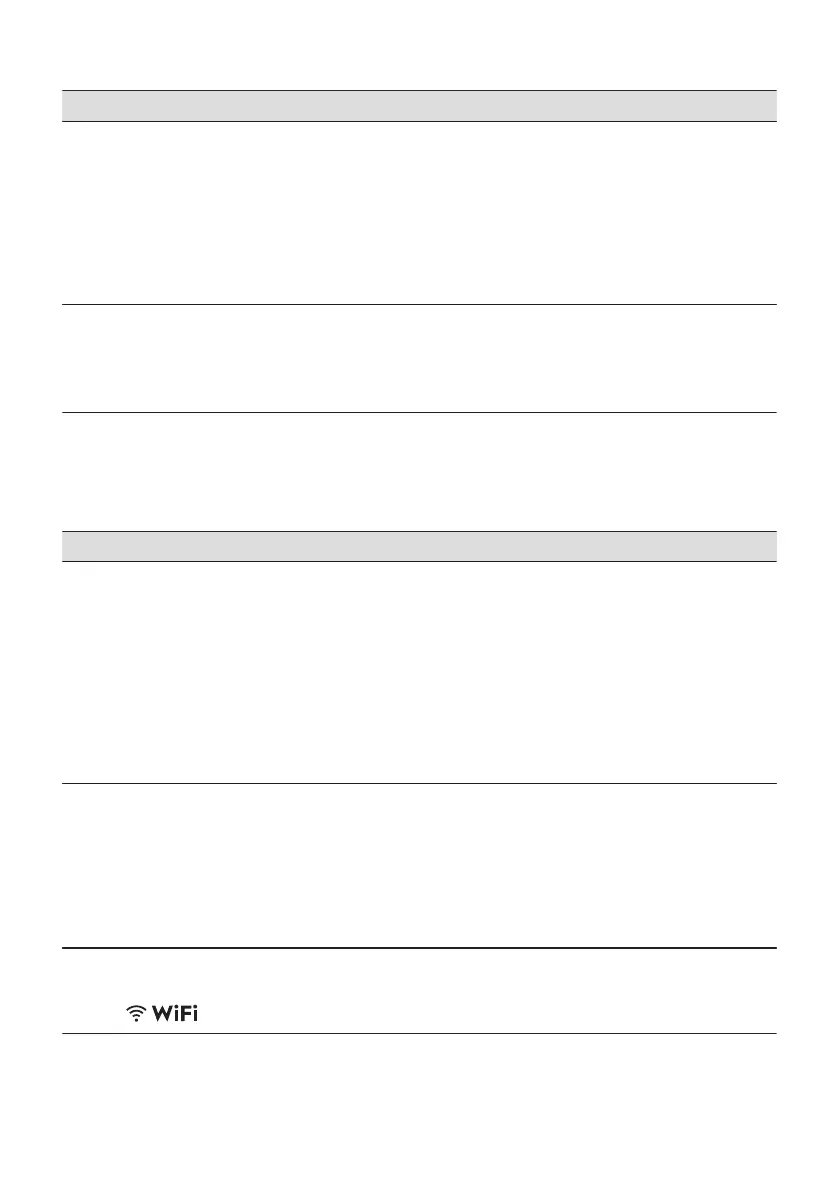
Problem Possible cause and solution
Limescale deposits on the
tableware, on the tub and
on the inside of the door.
• The level of salt is low, check the refill indicator.
• The cap of the salt container is loose.
• Your tap water is hard. Refer to "The water softener".
• Use salt and set regeneration of the water softener even when multi-functional
tablets are used. Refer to "The water softener".
• Start the programme Machine Care with a descaler designed for dishwashers.
• If limescale deposits persist, clean the appliance with the suitable detergents.
• Try a different detergent.
• Contact the detergent manufacturer.
Dull, discoloured or chip‐
ped tableware.
• Make sure that only dishwasher-safe items are washed in the appliance.
• Load and unload the basket carefully. Refer to the basket loading leaflet.
• Place delicate items in the upper basket.
• Activate the option GlassCare to ensure special care for glassware and delicate
items.
Refer to "Before first use", "Daily use", or
"Hints and tips" for other possible causes.
13.3 Problems with wireless connection
Problem Possible cause and solution
Activating wireless connection is not
successful.
• Wrong wireless network ID or password. Cancel the setup and start
it again to enter the correct credentials. Refer to "Wireless connec‐
tion" chapter.
• There is a trouble with the wireless network signal. Check your wire‐
less network and router. Restart the router.
• The wireless network signal is weak. Move router closer to the dish‐
washer.
• The wireless signal is disrupted by a microwave appliance placed
near the dishwasher. Turn off the microwave appliance.
• Contact your wireless service provider if there are further problems
with the wireless network.
The app cannot connect to the dish‐
washer.
• There is a trouble with the wireless network signal. Check your wire‐
less network and router. Restart the router.
• Check if your mobile device is connected to the network.
• New router was installed or router configuration was changed. Con‐
figure the dishwasher and mobile device again. Refer to "Wireless
connection" chapter.
• Contact your wireless service provider if there are further problems
with the wireless network.
The app cannot connect to the dish‐
washer through any network other
than your home wireless network. The
indicator flashes.
• The connection to the cloud is lost. Wait for the connection to be re‐
stored.
ENGLISH 29



 To Next Page