operating the appliance electrolux 19
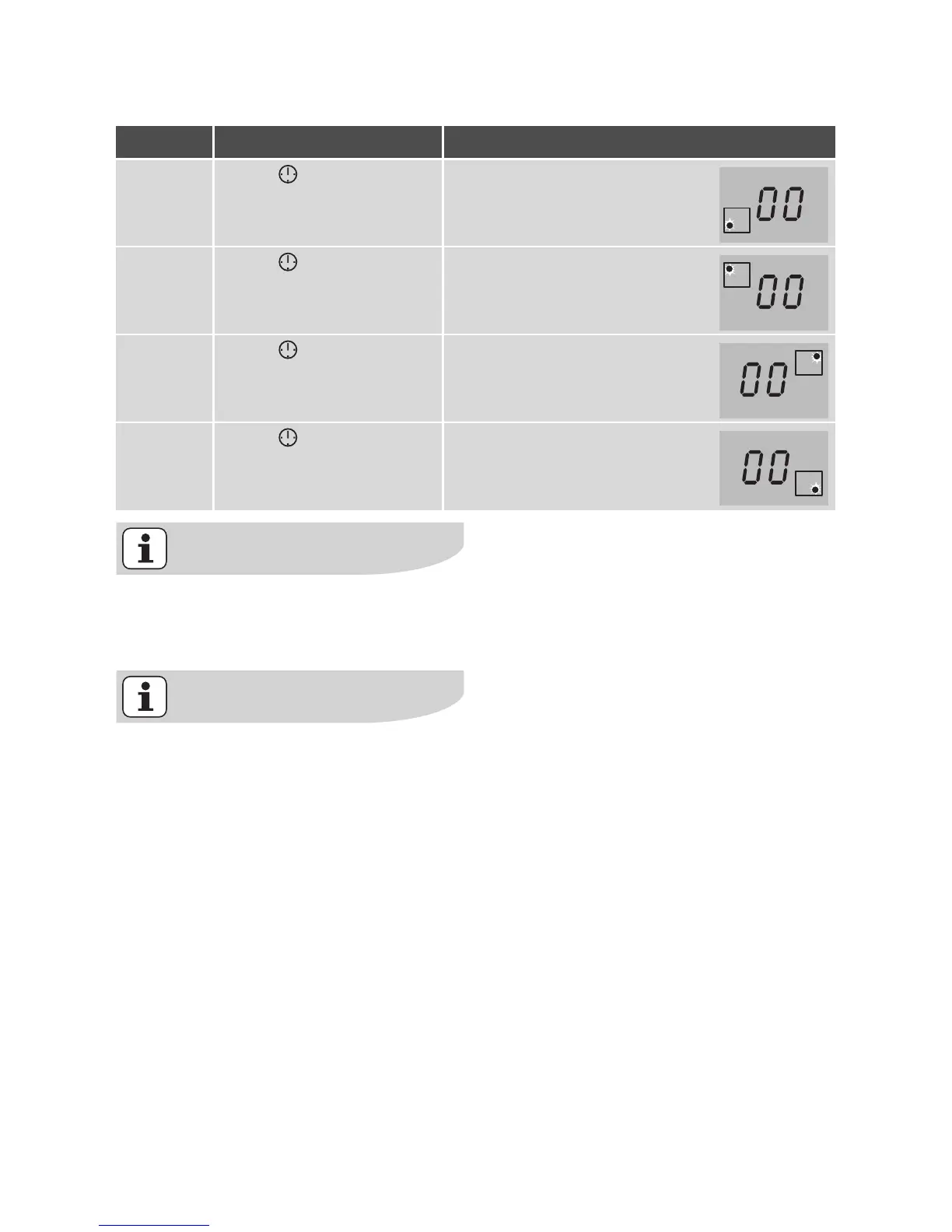
Selecting a cooking zone
If the pilot light is flashing more
slowly, the heat setting can be set or
modified.
If other timer functions are set, after
a few seconds the shortest remain-
ing time of all the timer functions is
displayed and the corresponding pi-
lot light flashes.
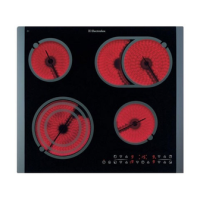
Step Control panel Display
1. Touch TIMER once Pilot light of the first cooking
zone flashes
2. Touch TIMER once Pilot light of the second
cooking zone flashes
3. Touch TIMER once Pilot light of the third cooking
zone flashes
4. Touch TIMER once Pilot light of the fourth cooking
zone flashes




 To Next Page