44
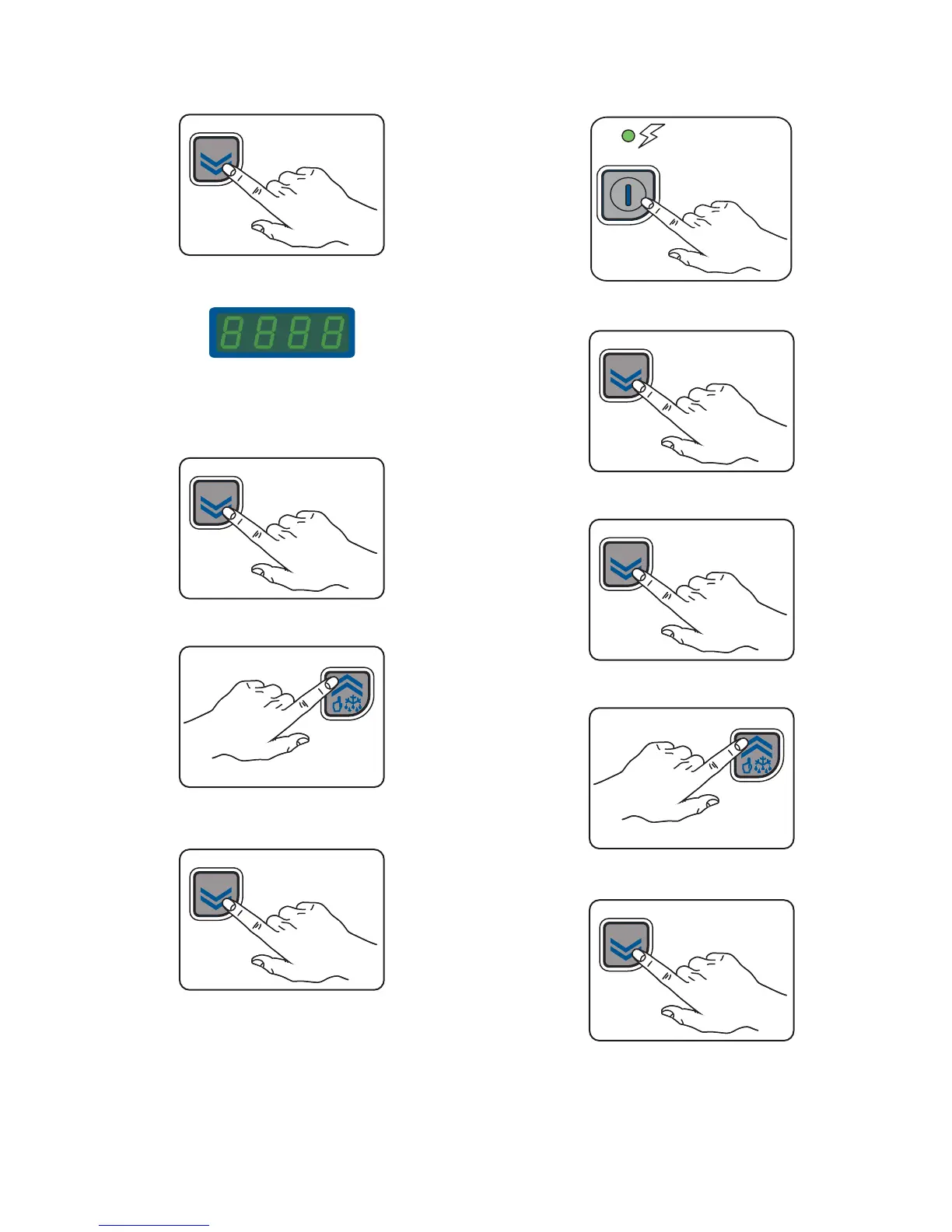
To set the chamber temperature, follow these steps:
- press and hold SET/DOWN button for 5 seconds,
SET
the SET TEMPERATURE value appears on the display
the Unit of Measure Indicator light starts flashing.
- To change the SET temperature, press SET/DOWN button or
MANUAL DEFROST/UP button within 15 seconds
SET
or
- To store the new set value, wait until it stops flashing to exit
the program
SET
If a selection is not made after 15 seconds, the last value dis-
played will be confirmed automatically and the chamber tem-
perature display is restored.
Example of setting:
- switch on the appliance
- confirm the set temperature
SET
- press SET/DOWN button or MANUAL DEFROST/UP button
SET
or
- To store the new set value, wait until it stops flashing to exit
the program
SET
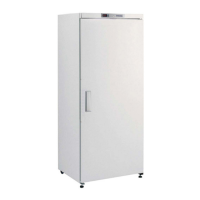
Here below the temperature range for the appliances:
171.71 gallons/650 lt and 369.84 gallons/1400 lt Refrigerator
models
Position “MIN” = 28°F / -2°C
Position “MAX” = +50°F / +10°C



 To Next Page