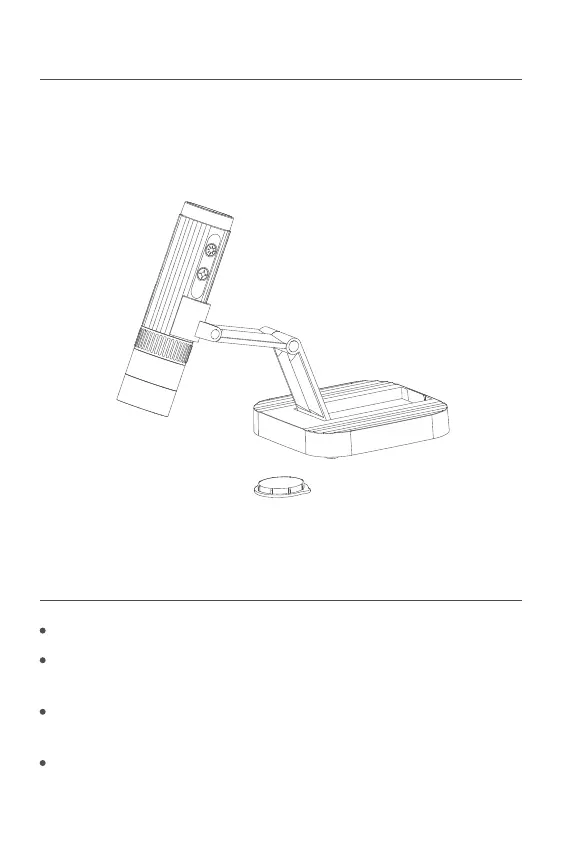
1 Product Overview
Please read this manual carefully before using.
Do not use the microscope until you know the method.
2 Use Instructions
Please read this instruction manual carefully, and use it correctly.
Pay attention to protect the lens part.Close the lens lid afteusing to
avoid entering dust or strange objects.
The microscope can be used in hand or inserted as a desktop,
with attention to avoid damage to the components.
When placing items, place them directly below the center of the lens
as much as possible.Avoid not seeing objects clearly and bringing
about a bad experience.



 To Next Page