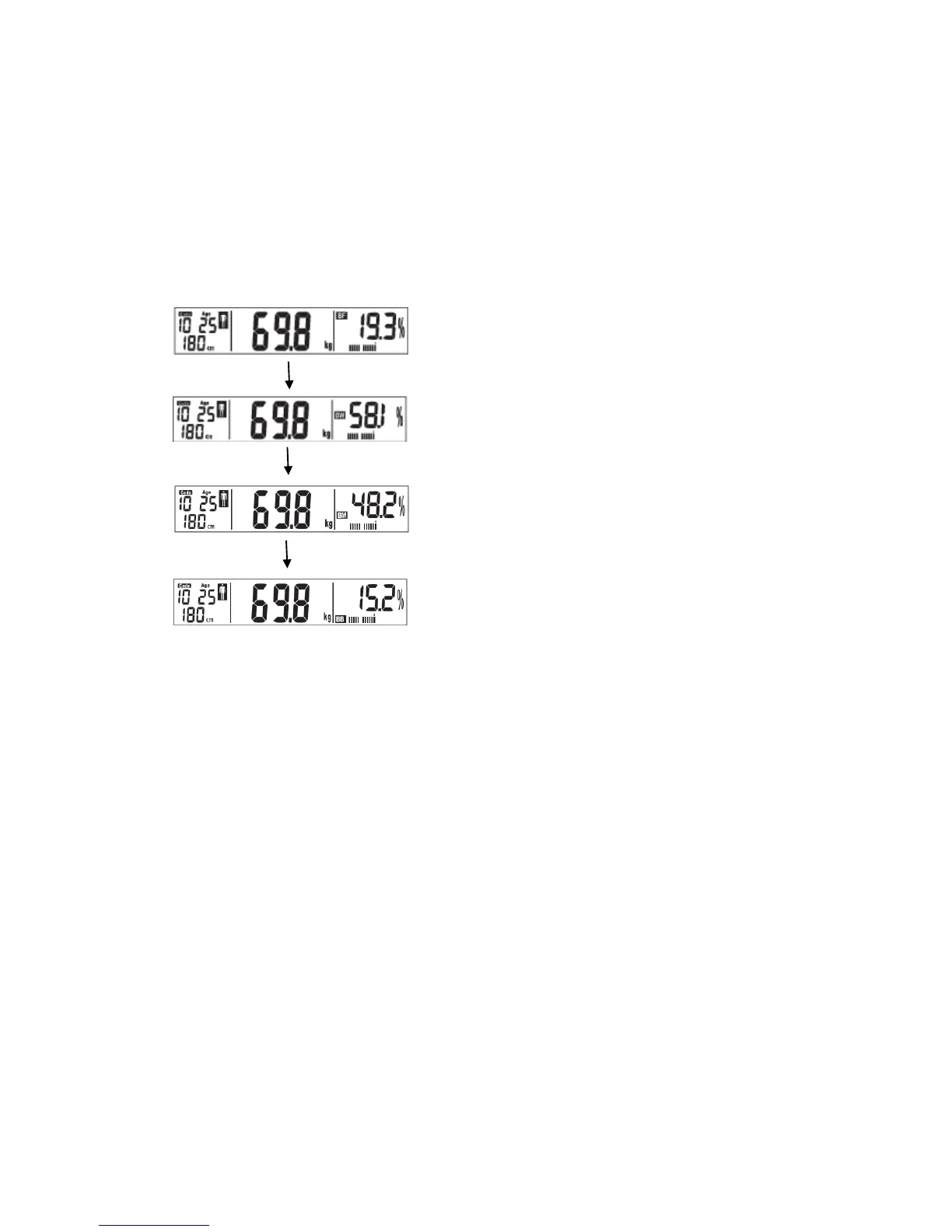
TAKING YOUR MEASUREMENTS
1) Remove your shoes and socks. Make sure your feet are clean.
2) Press the SET button to switch on the scale, or tap with your foot.
3) Press the up or down buttons to select the memory unit.
4) The data from your saved profile will appear on the screen.
5) Step on the scale when “0.0” appears on the display. Make sure that your feet
are placed over the metal strips and that there is good contact.
6) Once the weight has been locked the measuring symbol appears.
7) The results will be displayed twice before the scale automatically turns off.


 To Next Page