You can return to the standard mode anytime in the entire course of program setting by pressing “C+”.
TIP: When you have tried all programs set, make sure setting is not dual – especially if you have used
block selection.
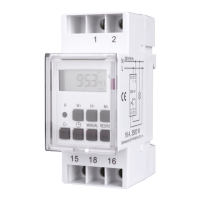
Manual device operation
1. Press “MANUAL” and select one of the three modes.
2. ON – the switch is permanently turned on.
OFF – the switch is permanently turned off.
AUTO – the switch works in accordance with the programs set.
3. After switch-over from manual (ON/OFF) to automatic (AUTO) mode,
CS4-16 will remain turned off or turned on until a change of program occurs.
12/24-hour mode
Press “C+” and “ “ simultaneously to choose between 12 and 24-hour modes.
Summer time
1. Press “C+” and “MANUAL” simultaneously to make the screen read ” ” .
2. Time will be set forward by one hour.
3. Press the buttons again to return to the original mode.
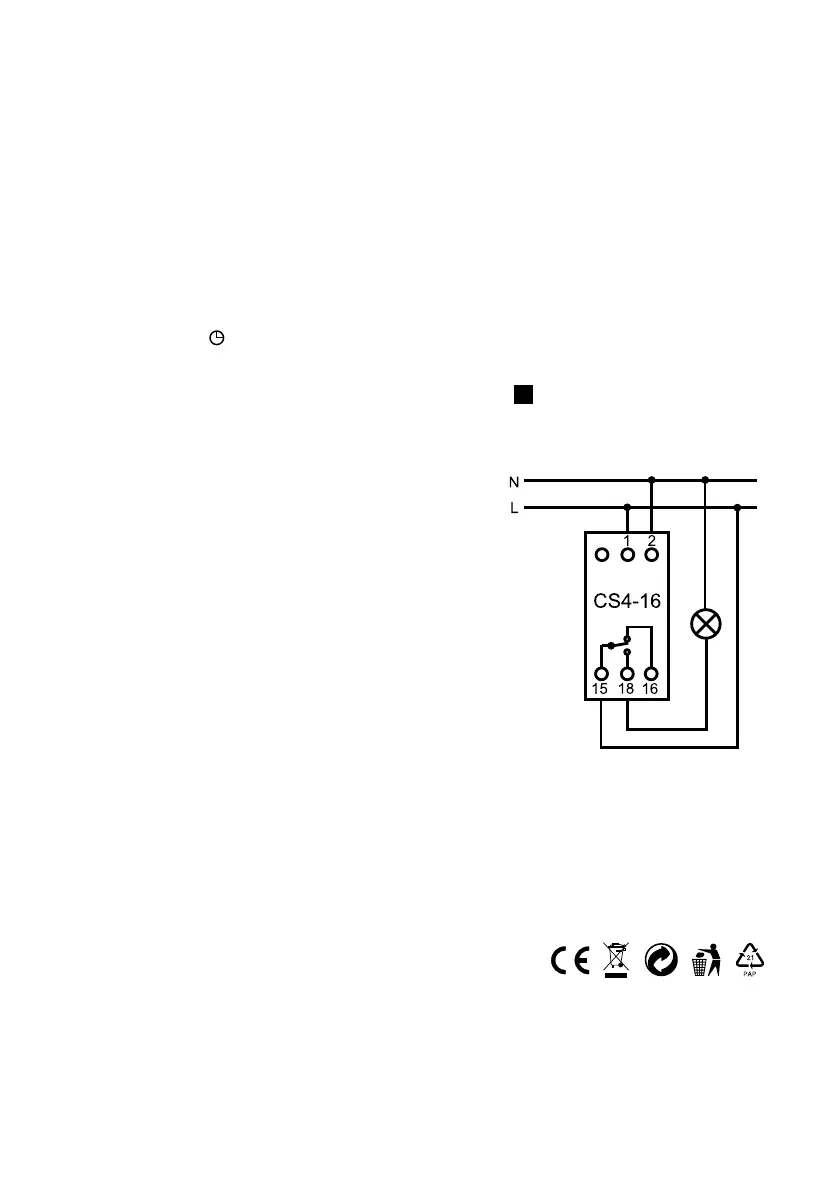
Wiring diagram
Reset button
Pressing RES/RCL will delete the currently set
value, but it will not erase the entire memory.
Technical details
Supply: 230 V/ 50 Hz
Max. load: 16 A, 3500 W
Min. time that can be set: 1 minute
Max. time deviation: +/- 1minute/month
Battery capacity: NiMH 1.2V >100 hours
Ingress protection: IP20
Operating temperature: -10 to +40 °C
Caution!
The device must not be used for sockets rated at over 16 A. Inductive load switching is possible
up to 2 A. Use a dry cloth to clean CS4-16. Only clean the switch once the distribution system
has been turned off. Do not leave connected electrical appliances unattended.
ENSURE PROTECTION OF CS4-16 FROM WATER. DO NOT CLEAN USING SOLVENTS!!
A warranty period of 2 years applies.
Supplier: ELEKTROBOCK CZ s.r.o., www.elbock.cz
S
3


 To Previous Page
 Loading...