04
33.657120, -117.701139
TABLE OF CONTENTS
USING THIS MANUAL
There is a 1:1 hardware foldout page in the front of the manual. To
check the size of a part, line up your hardware with the correct
drawing until you fi nd the exact size. Each part in the foldout has a
number assigned to it for ordering replacement parts.
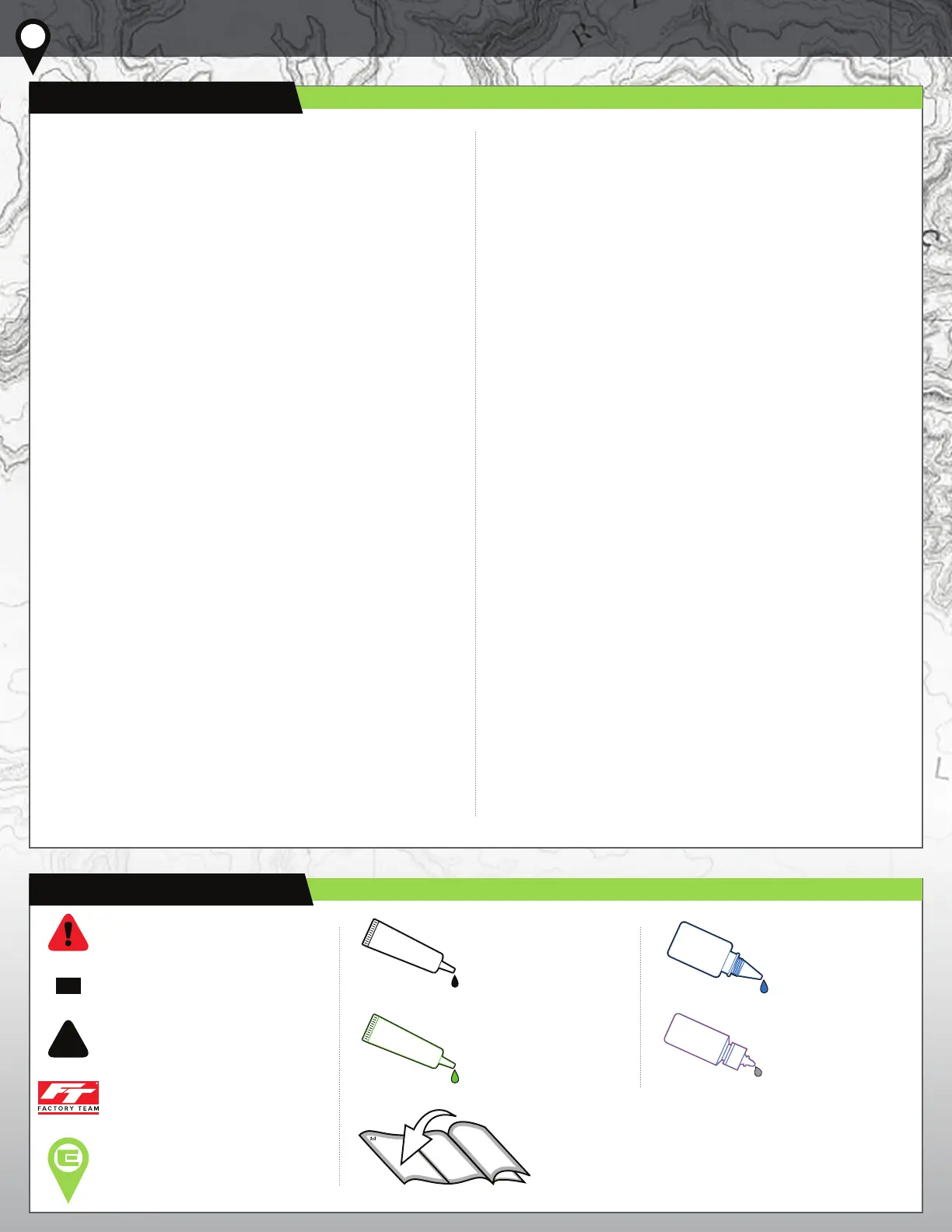
This symbol indicates a special note or
instruction in the manual.
This symbol indicates the order within
a step to assemble parts.
This symbol indicates there are
optional FT parts available
This symbol indicates
where Black Grease
should be applied.
This symbol indicates
where Thread Lock
Adhesive should be
applied. *not included
This symbol indicates
where Shock Fluid
should be applied.
This symbol indicates
where Green Slime can
be applied. *not included
This symbol indicates the number of
the same part that is required.
This symbol indicates a Trail Tip.
2
x2
BLACK GREASE
#6588
GREEN SLIME
#1105
THREAD LOCK
#1596
01
COVER
02
INTRODUCTION
03
1:1 HARDWARE “FOLD OUT”
04
TABLE OF CONTENTS
05
Stealth XF BUILD
06
Chassis BUILD
11
REAR AXLES BUILD
12
LINKS BUILD
12
DRIVESHAFTS BUILD
13
SHOCKS BUILD
14
BUMPERS BUILD
15
WHEELS/TIRES BUILD
15
BODY BUILD
16
OPTIONAL GEARBOX BUILD
17
TRAIL TIPS
18
BACK COVER
4/17/2023
SHOCK FLUID
#5422



 To Next Page