-14-
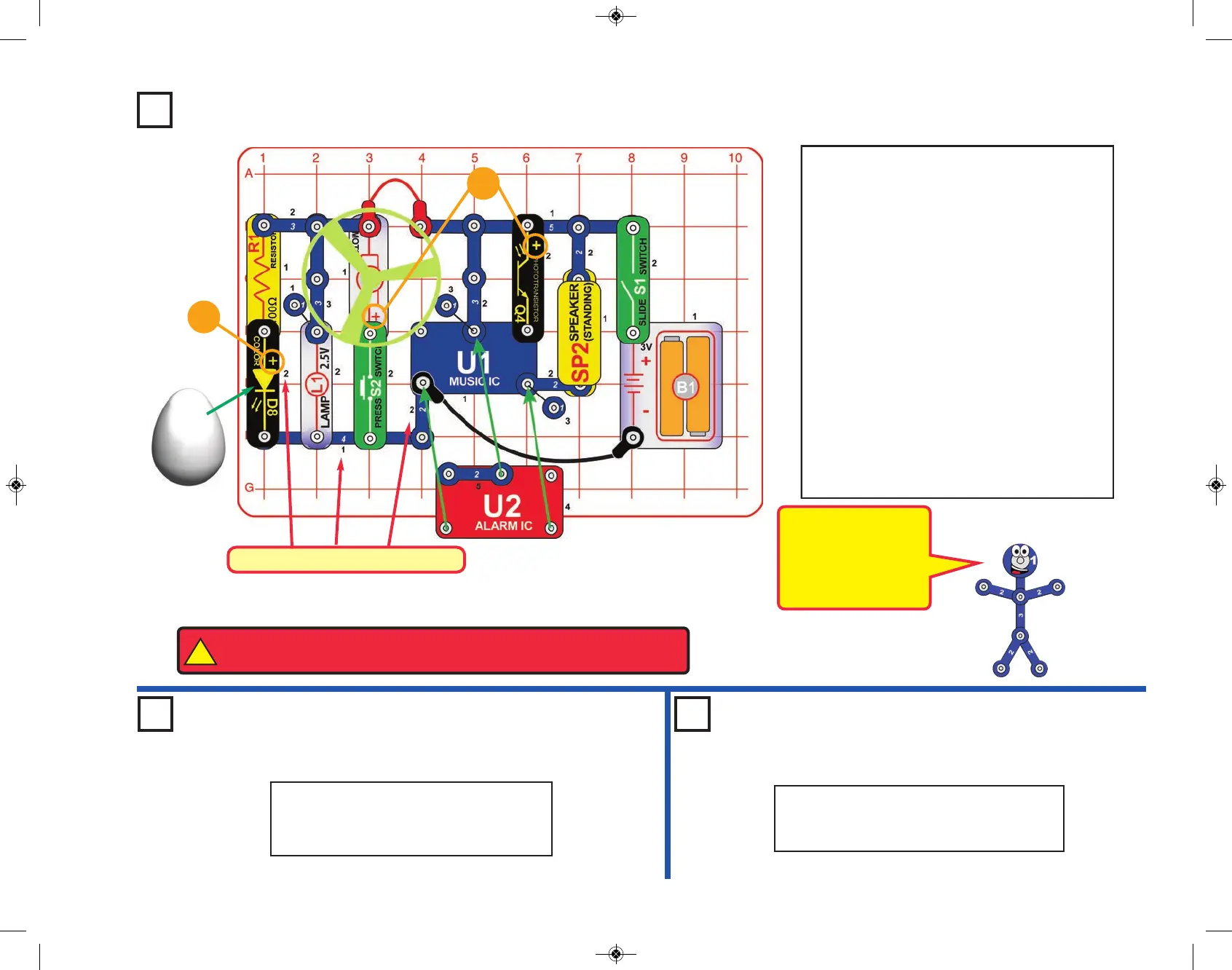
Project 10 Super Circuit
Turn on the slide switch (S1) to make sound
and lights. Some of the sound may stop after
a few seconds; if it does, shine a bright light
on the phototransistor (Q4) to re-start the
sound. If the sound never shuts off then cover
the phototransistor. (you may need to smother
Q4 with your hand or take the circuit into a
dark room).
Push the press switch (S2) until the motor
reaches full speed, then release it. The fan
blade should rise and float through the air like
a flying saucer. Be careful not to look directly
down on fan blade when it is spinning.
If the fan doesn’t fly off, then press the switch
several times rapidly when it is at full speed.
The motor spins faster when the batteries are
new. If you don’t want the fan to fly off then
reverse the orientation of the motor.
+
Placement Level Numbers
!
WARNING: Moving parts. Do not touch the fan or motor during operation.
Do not lean over the motor. Fan may not rise until switch is released.
Optional:
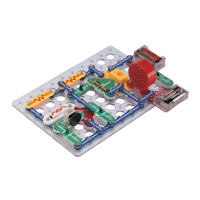
Project 11
Another Super Circuit
To change the sound, move the 2-snap
wire that is on top of the alarm IC (U2)
one space to the right.
To change the sound, remove the 2-snap
wire that is on top of the alarm IC (U2).
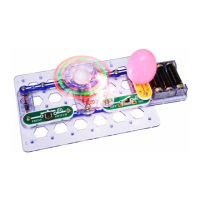
Project 12
Yet Another Super Circuit
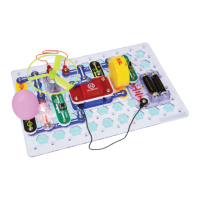
This circuit is shown
on the front of the
Snap Circuits
®
Select
box, use that picture
to help in building it.
+


 To Next Page