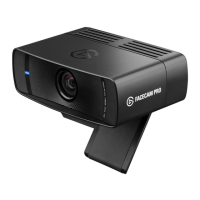
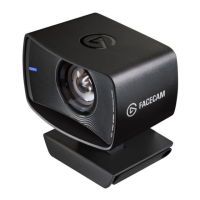
Clean the lens with a microfiber cloth. Do not use paper towels or detergents.
Enjoy using Facecam with your favorite streaming and video conferencing apps:
or any other application supporting the UVC standard.
6.
7.5.
Connect Facecam directly to a USB 3.0 (or better) port on your PC or Mac – do not use
a USB hub.
Only use the supplied USB 3.0 cable (or equivalent/better).
Technical specications
• Supported Resolutions (uncompressed): 1080p60, 1080p30, 720p60, 720p30,
540p60, 540p30
• Optics: Elgato Prime Lens (all-glass)
• Focus Range: 30 - 120 cm | 11.8 - 47.2 in
• Aperture: f/2.4
• Focal Length: 24 mm (full-frame equivalent)
• Field of View: 82° (diagonal)
• Sensor: Sony
®
STARVIS
™
CMOS
• Connection: USB 3.0 (or better), Type C
• Dimensions: W 79 x H 48 x D 58 mm | 3.1 x 1.9 x 2.3 in (without mount)
• Weight: 96 g | 0.21 lb (without privacy shutter and mount)
Zoom Skype MS Teams Slack OBS
Google Meet SLOBS FaceTime


 To Next Page