2
RESETTING THE SERVICE COUNTERS IN ELGI CONTROLLERS
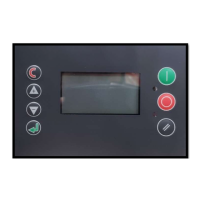
2. P00 should appear flashing on the screen. Scroll down using the –
button until you see P04 and then hit the enter button (green
arrow below the + and – buttons)
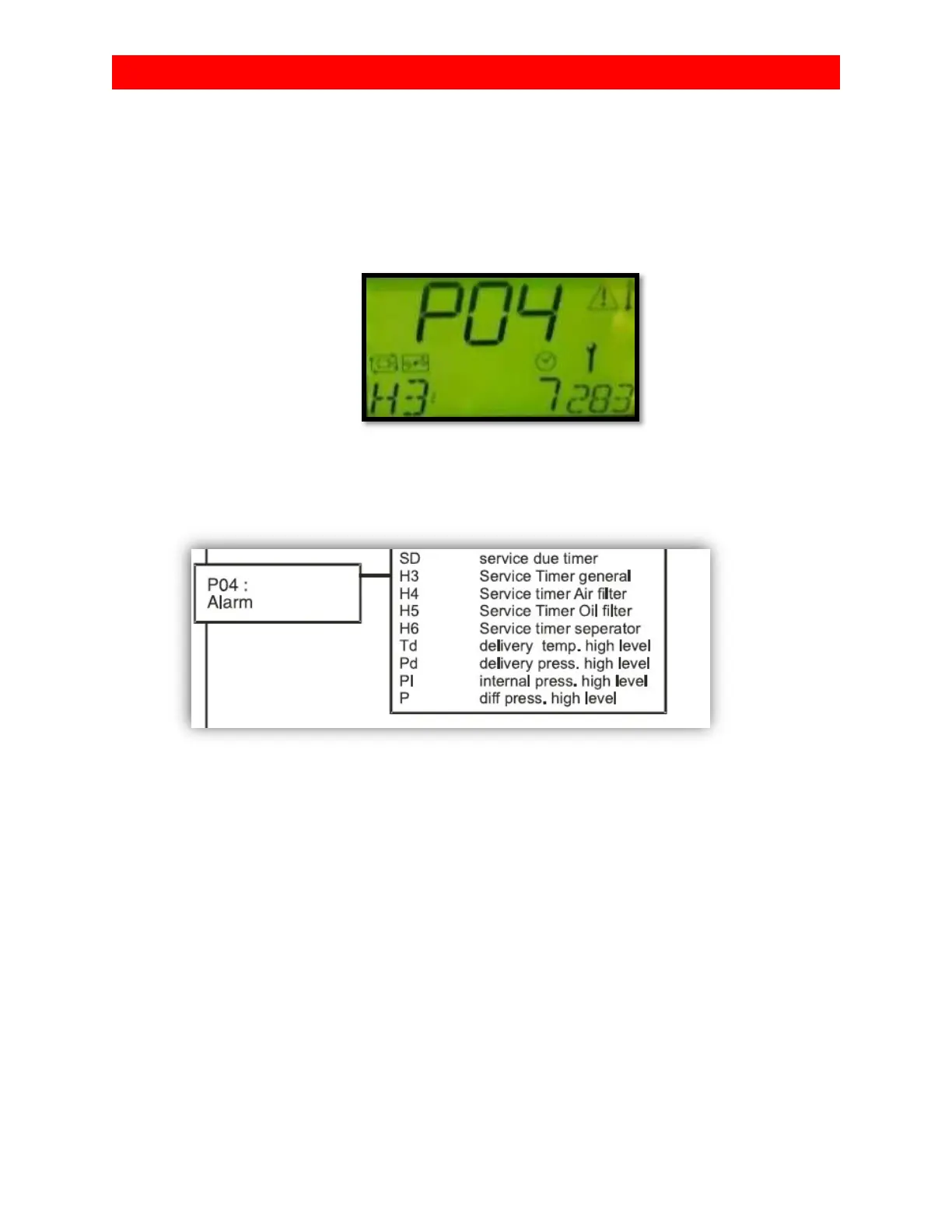
3. At this time you should see H3 flashing on the bottom left of the
screen. This is the general service counter. (see breakdown below)
4. Press enter to select H3. The digits to the right of H3 should now
be flashing. Now you will be able to adjust the time on the
counter. Set this back to 8000 by using the + button once full
service is complete. You can increase by larger increments by
holding the + button.
5. Use the escape button ( red c) to get back to the list of alarms.
Scroll down to H4 using the - button. This is the air filter alarm.
Reset this to 4000 following the same procedure in step 4.
6. Repeat these steps for the remaining 2 timers. (H5)Oil filter
counter is 2000 and (H6)separator is 8000.


 To Next Page
 Loading...