6
RESETTING THE SERVICE COUNTERS IN ELGI CONTROLLERS
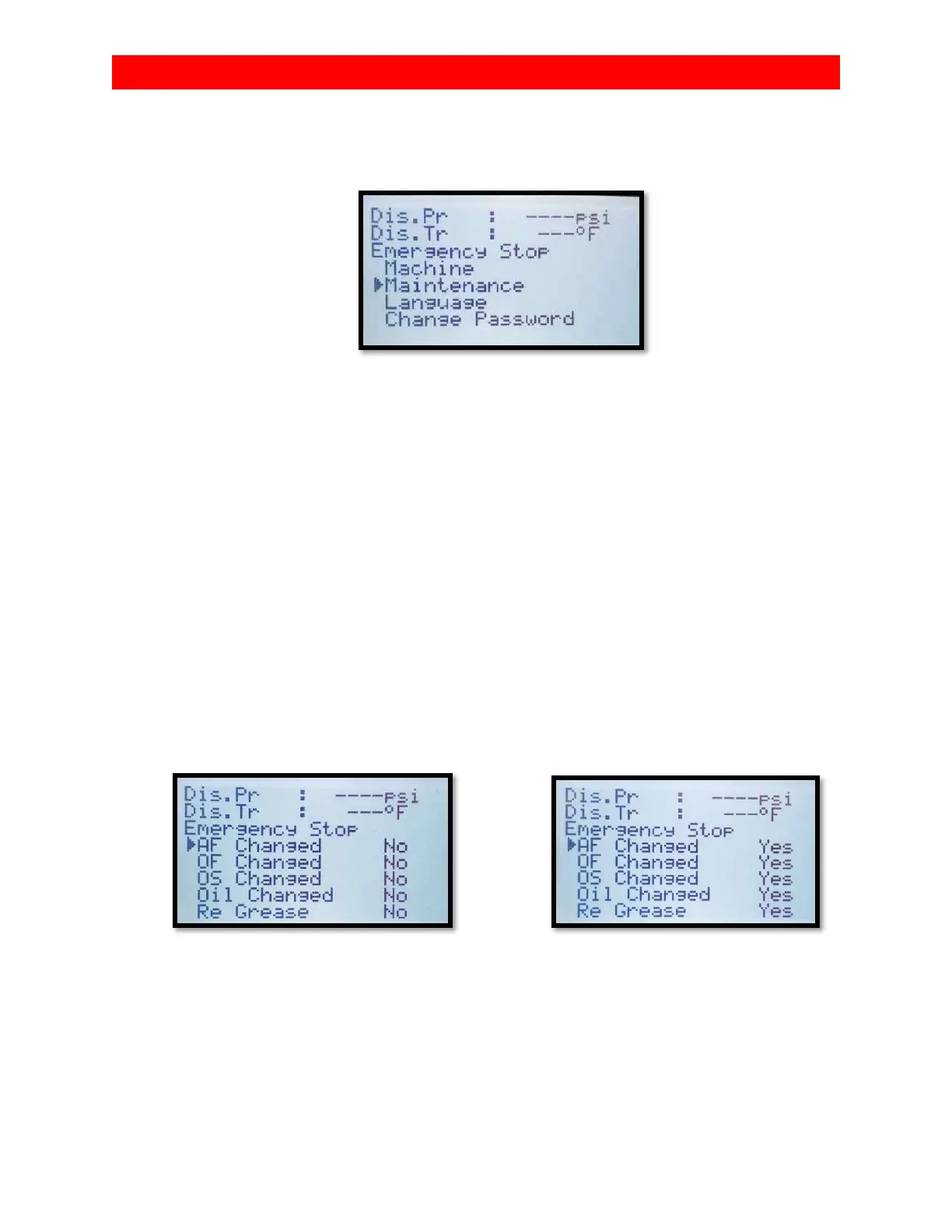
2. A list of sub-menus should appear. Select maintenance by
using the down arrow key and hit enter.
3. You should now see a list of abbreviations representing
the multiple service counters with a “yes” or “no” to the
right. AFCT (air filter change timer), OFCT (oil filter change
timer), OSCT (oil separator change timer), OCT(oil change
timer), RGT (re-grease motor timer), and valve kit timer.
4. Select “yes” for all of the services you have completed.
You can do this by hitting enter key on the selected timer
and use arrow keys to change from “no” to “yes”.
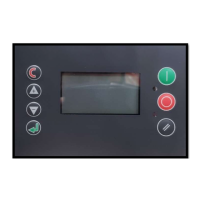
5. Exit the service timer menu and return to the main (home)
screen by hitting the escape key (for neuron II and neuron
III) or by hitting the reset key (orange circular arrow on
the Neuron XT controller). You may have to press this a


 To Next Page
 Loading...