EasyManua.ls Logo

ELRO BC3000 - Linking the monitor and the camera

ELRO BC3000
9 pages
Print Icon
To Next Page IconTo Next Page
To Previous Page IconTo Previous Page
Loading...
- 2 -
Linking the monitor and the camera
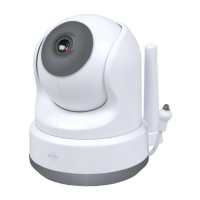
Pairing is necessary for an additional camera:
1 Turn on the monitor.
2 Turn on the camera.
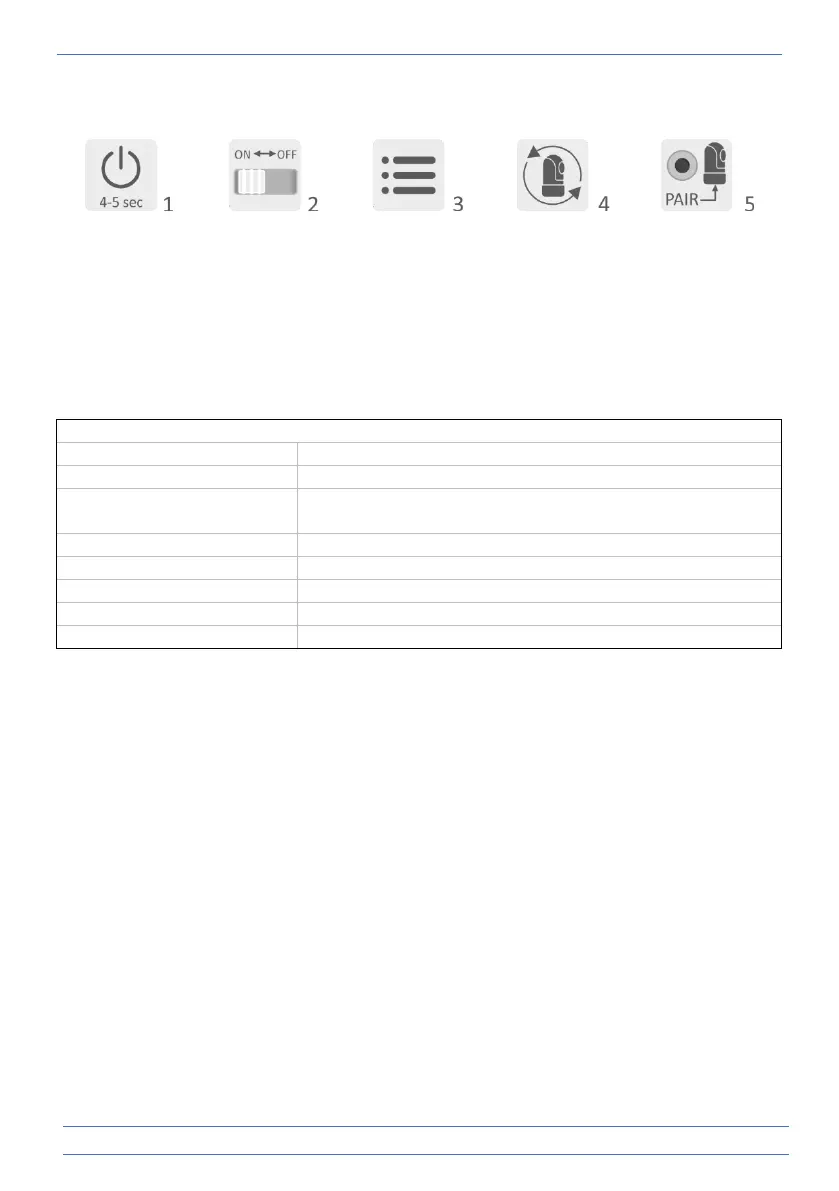
3 Touch the screen and press the button in the lower left corner of the monitor.
4 Press the icon and select the camera channel 2, 3 or 4 in order to pair the camera.
5 Press the [PAIR] button (underneath the camera) within the 30 second countdown period.
6 If the monitor has successfully paired with the camera, it will automatically switch to the
display of this camera.

Camera
Image sensor type
1/4" Colour CMOS Image Sensor
Effective pixel
1280 (H) x 1024 (V)
Image resolution
High max. 1.7 Mbps (10fps@1280 * 720)
Low max. 0.7 Mbps (10fps@854 * 480)
Lens
3.95 mm F2.2 F2.2
Viewing angle (diagonal)
55° (FOV)
IR LED / night vision range
5m 940nm
Adapter
5V DC 1A
Operating temperature
-10 ~ 40°C -10 ~ 40 ° C