20
GB
B
A
A
A
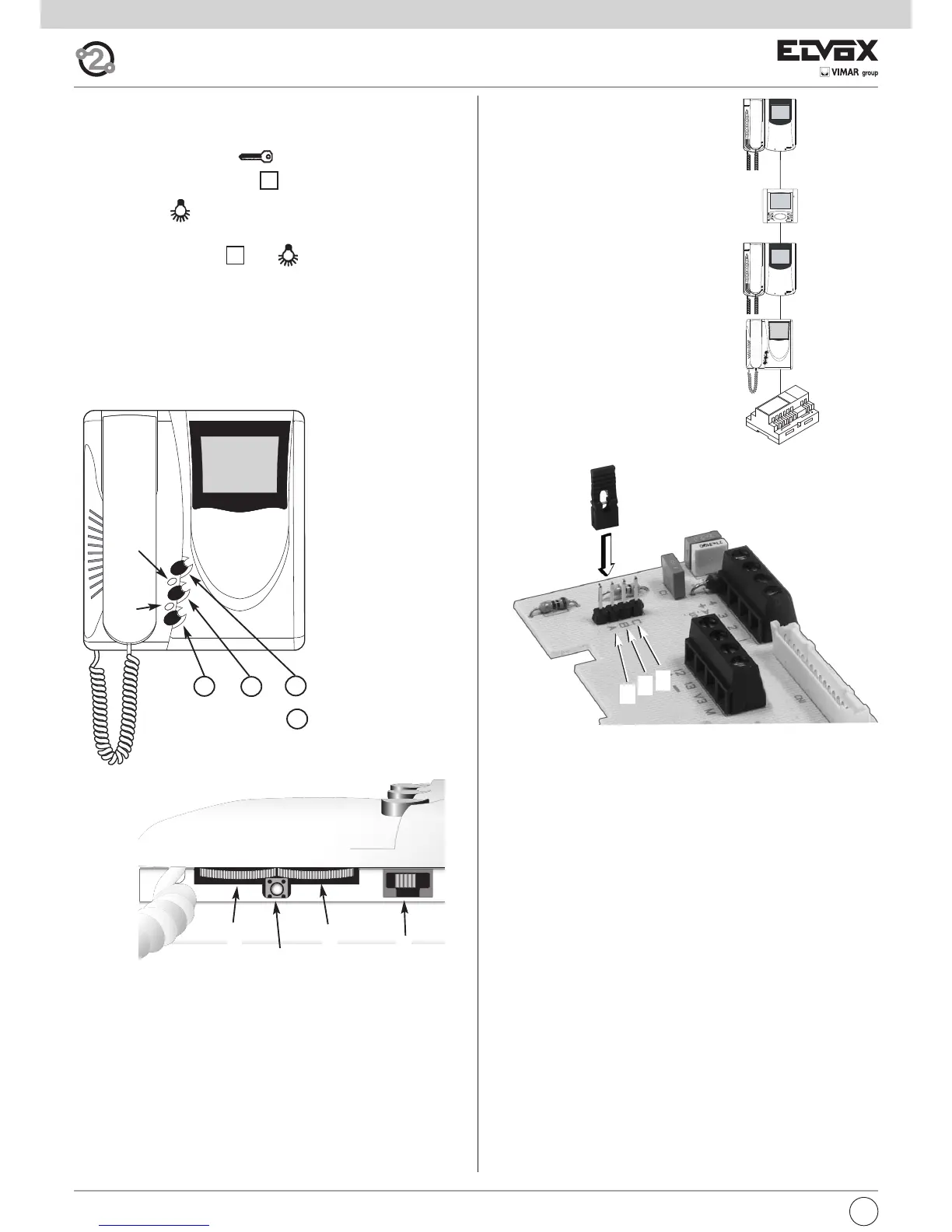
Fig. 4.5
Fig. 4.3
Fig. 4.4
D
F
E
H
I
A
C
B
G
P1
P2
P0
P1 + P2 (Toghether) =
P3
A
B
C
Fig. 4.6
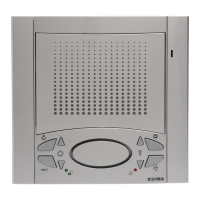
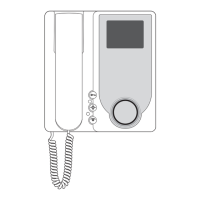
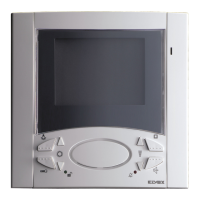
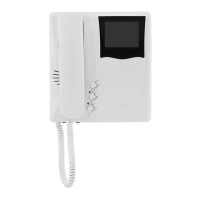
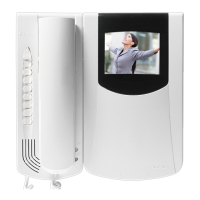
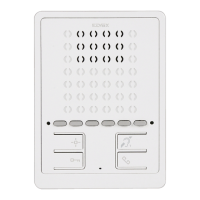
Controls and adjustments (Fig. 4.4 - 4.5)
A - Ringtone volume and mute control.
B - Brightness control.
C - Contrast control for 6329 and color for 6329/C
D - Lock release pushbutton .
E - System self-start pushbutton .
F - Pushbutton for auxiliary service, 1st relay of 1st actuator type
69RH.
When the pushbuttons and are pressed together, a second
auxiliary service is activated, 2nd relay of 1st actuator type 69RH.
G - RESET pushbutton for monitor programming.
H - Ringtone mute LED. The fixed light illuminates when the ringtone mute
is enabled by means of slider "A" and flashes when calls have been
denied (red led).
I - Door open LED. On systems in which this function is used, the LED re-
mains lit permanently when the door/gate is open (green led).
VIDEO SIGNAL STABILISATOR
On the monitor intercommunication card
there is a connector (A-B-C) and a jumper for
the video signal balance (Fig. 4.5).
This jumper must be used on the installations
where there are more appliances (interpho-
nes or monitors) connected in series (Fig.
4.5).
Displace the jumper into "B" (Termination 100
Ohm) only on the last set and keep the jum-
pers on the other appliances in the initial po-
sition "A" (No termination).
For other wiring configurations see note:
"Bus termination for ELVOX TWO-WIRE in-
stallations" provided (Page. 44).


 To Next Page