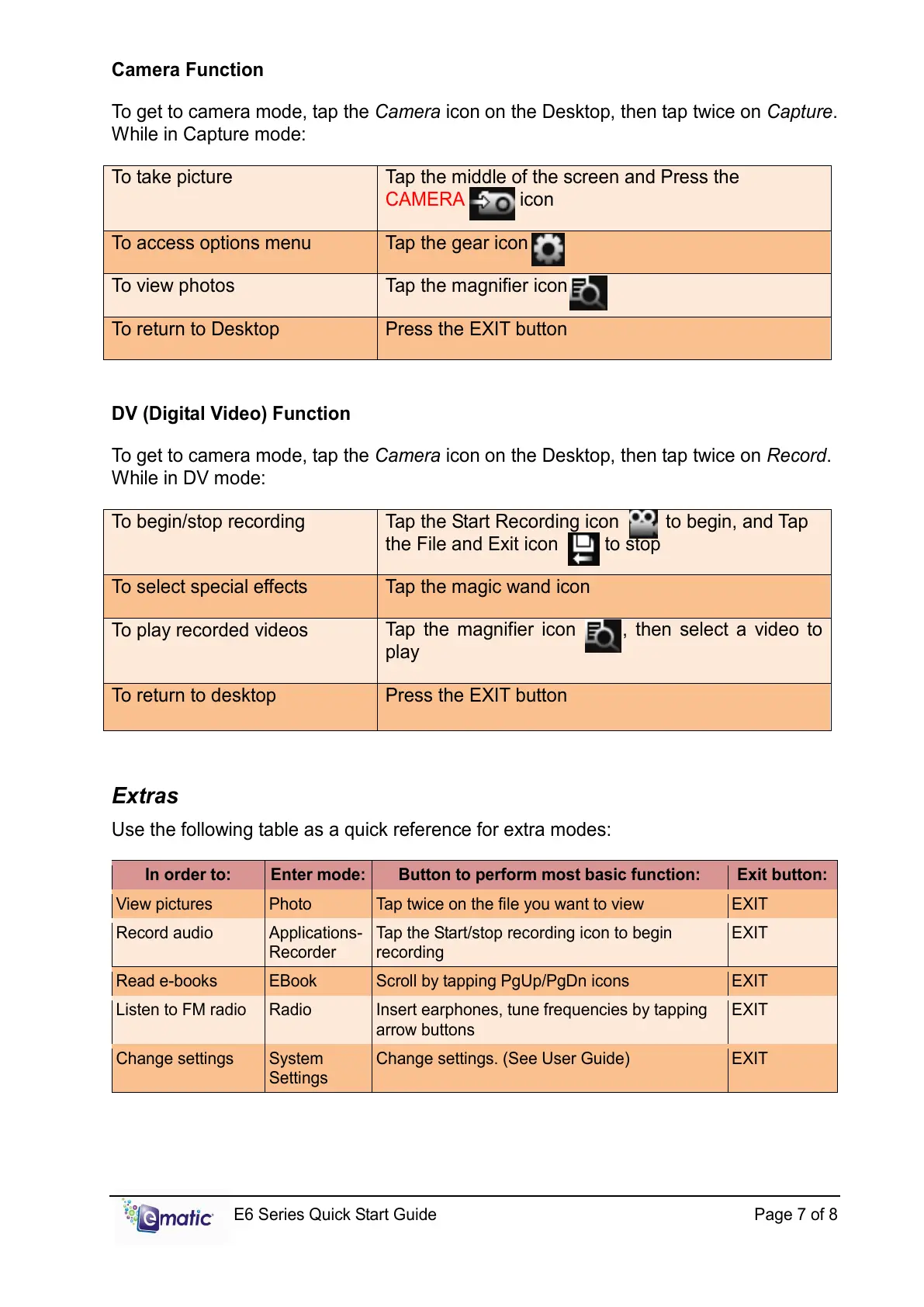
Camera Function
To get to camera mode, tap the Camera icon on the Desktop, then tap twice on Capture.
While in Capture mode:
To take picture
Tap the middle of the screen and Press the
CAMERA icon
To access options menu Tap the gear icon
To view photos Tap the magnifier icon
To return to Desktop Press the EXIT button
DV (Digital Video) Function
To get to camera mode, tap the Camera icon on the Desktop, then tap twice on Record.
While in DV mode:
To begin/stop recording
Tap the Start Recording icon to begin, and Tap
the File and Exit icon to stop
To select special effects Tap the magic wand icon
To play recorded videos
Tap the magnifier icon , then select a video to
play
To return to desktop Press the EXIT button
Extras
Use the following table as a quick reference for extra modes:
View pictures Photo Tap twice on the file you want to view EXIT
Record audio Applications-
Recorder
Tap the Start/stop recording icon to begin
recording
EXIT
Read e-books EBook Scroll by tapping PgUp/PgDn icons EXIT
Listen to FM radio Radio Insert earphones, tune frequencies by tapping
arrow buttons
EXIT
Change settings System
Settings
Change settings. (See User Guide) EXIT



 To Next Page