Sound
Sounds CommunicationsRecording
Select a playback device below to modify its settings:
Speaker
eMeet Adapter A300
Default Device
Speaker
Realtek High Definition Audio
Not plugged in
OK Cancel Apply
Playback
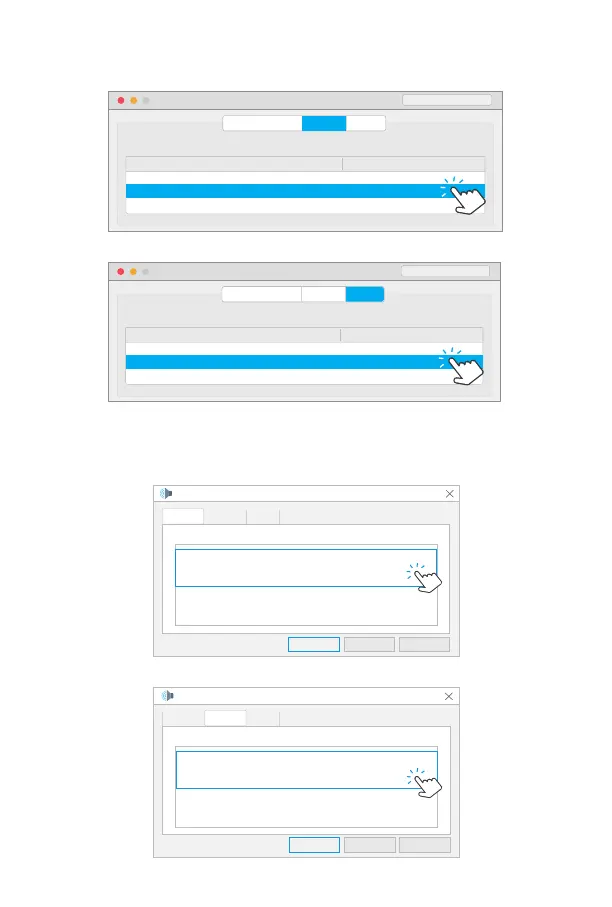
2.PC Setting
•
Mac OS Setting
• Windows Setting
Output Setting
Speaker Setting
Select a device for sound output:
Name Type
MacBook Pro Speaker
Built-in
eMeet Adapter A300
USB
Sound Effects
Sound
Input
Search
Output
Input Setting
Microphone Setting
Select a device for sound output:
Name Type
MacBook Pro Microphone
Built-in
eMeet Adapter A300
USB
Sound Effects
Sound
Input
Search
Output
Sound
Sounds CommunicationsRecording
Select a playback device below to modify its settings:
Microphone
eMeet Adapter A300
Default Device
Speaker
Realtek High Definition Audio
Not plugged in
OK Cancel Apply
Playback


 To Next Page
 Loading...