SETTING UP YOUR WEBCAM
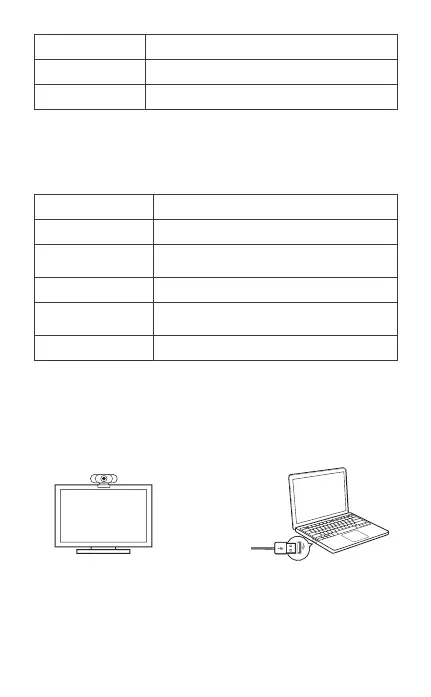
1. Place your webcam 2. Connect your webcam
3. Fixed focus lens:
Fixed focus keeps things in focus up to five meters away.
No need to adjust the lens focus manually.
..........................................................................................................................................................
Please be sure that you meet all of the system requirements
below to avoid diculties during installation.
Minimum System Requirements
Focus Range
Audio
Characteristics
5cm~5m
Integrated 2 Microphones; Noise Reduction
USB Powered
CPU
Memory
Operation System
Connection
Resolution
Video/Sound Card
1.5GHz Processor or above
512MB RAM or above
Windows XP, Vista and 7/8/8.1/10 ;
Requires Mac 10.4 or later
USB 1.1 Port or above
800×600 Supported ;
640×480 or higher recommended
16 bit or higher
2


 To Next Page