Troubleshooting for Windows Users
Please check the Skype setup chapter of this manual for
a solution to this problem.
2. The microphone cuts out when making Skype calls:
Please open Device Manager and check that the correct
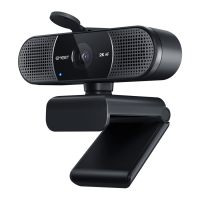
HD Webcam eMeet C960 is selected in the Cameras
Devices memu.
3. Windows reports that no video device was recognized:
1. My system does not recognize the webcam:
Right click on Start or the Windows icon in the lower
left corner of your desktop.
From the Start screen choose Device Manager.
˙
Find the Cameras Devices (show as Audio Controller,
Video and Games in Win 7 or Vista) to see if there is a
device “HD Webcam eMeet C960” and click
Enable.
If the device is missing, please check that the camera is
properly connected to your computer.
Try plugging the camera into a different USB port. If the
camera is plugged into one of the ports in the rear of the
computer.
˙
˙
12


 To Next Page