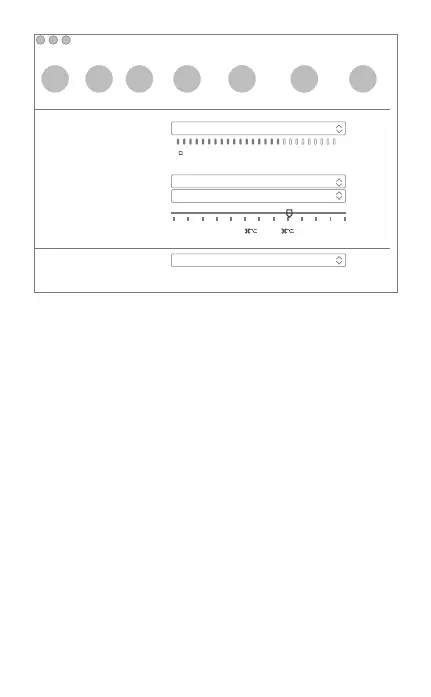
Audio/Video
General Privacy Calls Messaging Notifications Audio/Video Advanced
× − +
Microphone:
Ringing:
Speakers:
Volume:
Camera:
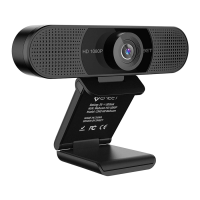
HD Webcam eMeet C960
Autormatically adjust microphone setting
HD Webcam eMeet C960
Built-in Output(Internal Speakers)
Built-in Output(Internal Speakers)
Adjust volume with and
↑
↓
设置音频
对于Window用户
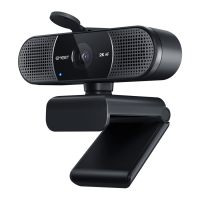
请确保选择eMeet摄像头作为您用于访问此功能的应用程序中的输入
设备。
您也可以在Mac的“系统偏好设置”中选择它 - 选择“声音”窗格,
然后转到“输入”选项卡,将网络摄像头的麦克风(“HD Webcam
eMeet C960”)指定为系统默认设置。您可以根据需要手动调整摄
像头的输入或输出音量。
eMeet网络摄像头与大多数Windows操作系统兼容,包括Windows
vista / 2000 / XP / Vista / 7 /8 / 8.1 / 10。
28


 To Next Page