SETTING UP YOUR WEBCAM
GETTING STARTED
For Mac OS X Users
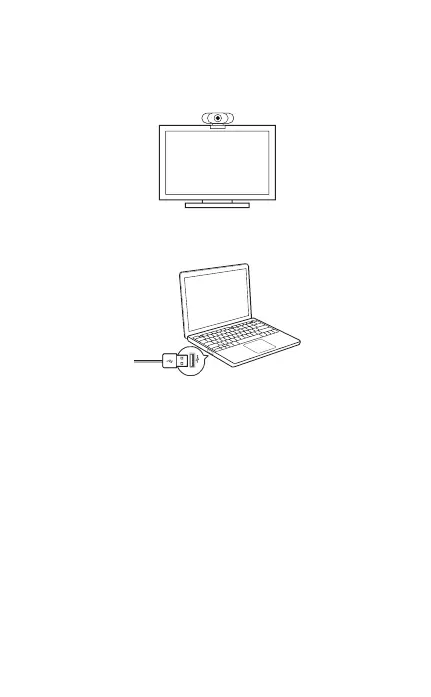
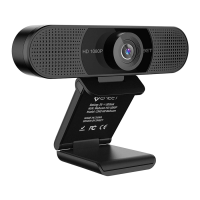
1. Place your webcam
2. Connect your webcam
3. Fixed focus lens:
Fixed focus keeps things in focus up to five meters away.
No need to adjust the lens focus manually.
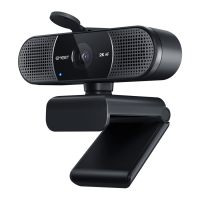
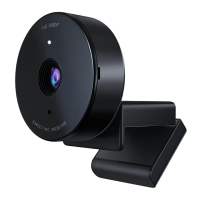
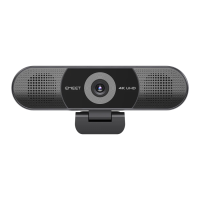
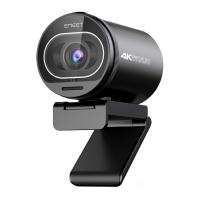
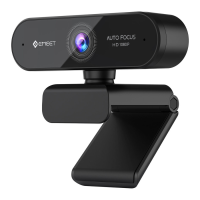
The eMeet C960 Webcam will be automatically installed
when you connect it to a Mac; no additional software is
required. You will need to open camera software such as
..........................................................................................................................................................
..........................................................................................................................................................
3


 To Next Page