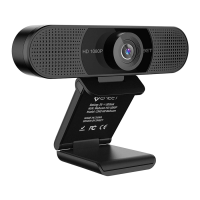
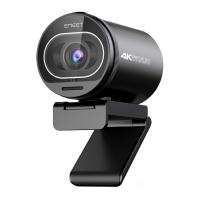
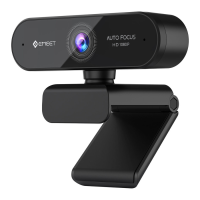
HD Webcam eMeet C980 Pro:
3.1.3 Skype
Prima di avviare Skype, verificare che le altre applicazioni che si
servono della webcam siano completamente chiuse. Qualora
questa operazione non venga eseguita Skype potrebbe non
riconoscere la webcam. Consigliamo caldamente di aggiornare
Skype all’ultimissima versione.
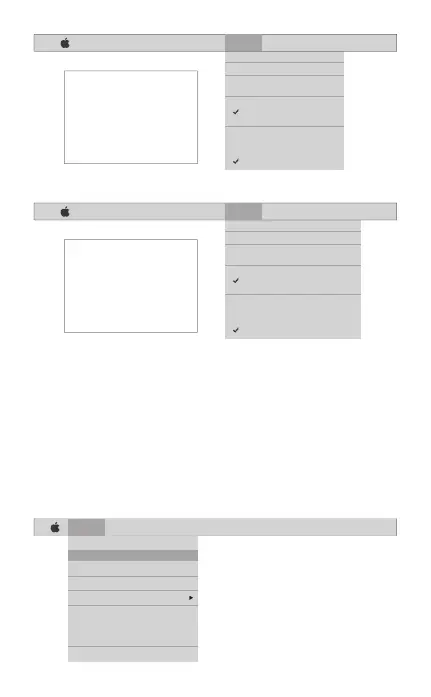
Dopo aver installato e avviato Skype, selezionare Preferenze dal
menu superiore sinistro dello schermo (come nella seguente foto):
Italia [ 44 ]
Skype File Edit View Window Tools Help
About Skype
Preferences...
Audio & Video Settings...
Check For Updates
Services
Hide Skype
Hide Others
Show All
Quit Skype
FaceTime File Edit Video Window Help
Mute
Always on Top
Use Landscape
Enter Full Screen
Camera
HD Webcam eMeet C980
FaceTime HD Camera
Microphone
Use System Setting
Internal Microphone
HD Webcam eMeet C980
If you`d like to use the webcam`s
microphone,please make sure
the HD Webcam eMeet C980
(UnderMicropho-nesection)is
selected. otherwise you may use
the Internal Microph-one.
FaceTime File Edit Video Window Help
Mute
Always on Top
Use Landscape
Enter Full Screen
Camera
HD Webcam eMeet C980 Pro
FaceTime HD Camera
Microphone
Use System Setting
Internal Microphone
HD Webcam eMeet C980 Pro
If you`d like to use the webcam`s
microphone,please make sure
the HD Webcam eMeet C980 Pro
(UnderMicropho-nesection)is
selected. otherwise you may use
the Internal Microph-one.


 To Next Page