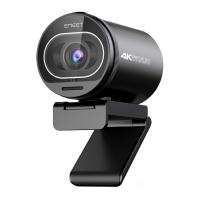
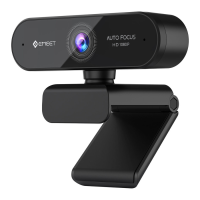
HD Webcam eMeet C980 Pro:
3.1.3 Skype
Before running the Skype, make sure that any other applications
that are using the webcam are fully closed. Failure to do so will
mean that Skype may not recognize the webcam. It is highly
recommended to update your Skype to latest version.
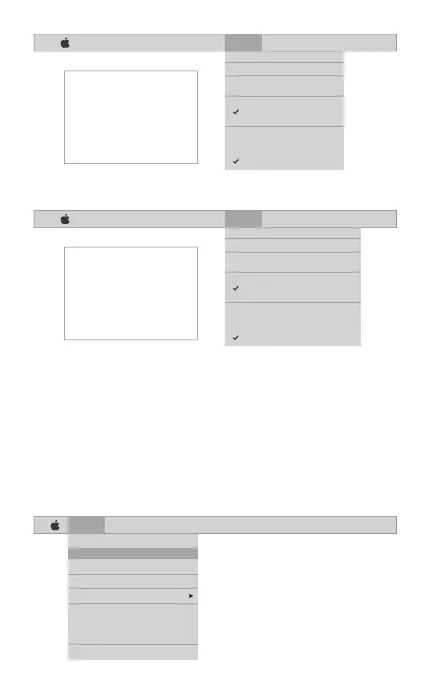
Once you have installed Skype and started it up, select
Preferences... from the Skype menu in the top left corner of your
screen (like the photo below):
English [ 6 ]
Skype File Edit View Window Tools Help
About Skype
Preferences...
Audio & Video Settings...
Check For Updates
Services
Hide Skype
Hide Others
Show All
Quit Skype
FaceTime File Edit Video Window Help
Mute
Always on Top
Use Landscape
Enter Full Screen
Camera
HD Webcam eMeet C980
FaceTime HD Camera
Microphone
Use System Setting
Internal Microphone
HD Webcam eMeet C980
If you`d like to use the webcam`s
microphone,please make sure
the HD Webcam eMeet C980
(UnderMicropho-nesection)is
selected. otherwise you may use
the Internal Microph-one.
FaceTime File Edit Video Window Help
Mute
Always on Top
Use Landscape
Enter Full Screen
Camera
HD Webcam eMeet C980 Pro
FaceTime HD Camera
Microphone
Use System Setting
Internal Microphone
HD Webcam eMeet C980 Pro
If you`d like to use the webcam`s
microphone,please make sure
the HD Webcam eMeet C980 Pro
(UnderMicropho-nesection)is
selected. otherwise you may use
the Internal Microph-one.


 To Next Page