24
ETL Model No.: CF788
11. Maintenance
IMPORTANT CARE INSTRUCTIONS
for your Ceiling Fan
Periodic cleaning of your new Ceiling Fan is the only
maintenance that is needed.
When cleaning, use only a soft brush or lint free cloth to
avoid scratching the finish.
Abrasive cleaning agents are not required and should
be avoided to prevent damage to finish.
Do not use water when cleaning your ceiling fan.
It could damage the motor or the blades and create the
possibility of an electrical shock.
WARNING
!
12. Accessories
13. Remote Control Troubleshooting
See your local Emerson dealer, www.emersonfans.com
or the Emerson Ceiling Fan catalog for these
accessories:
• Ceiling Fan Light Kits
• Ceiling Fan/Light Controls
• Downrod Extension Kits
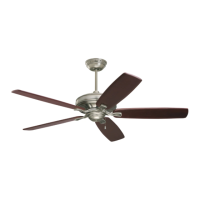
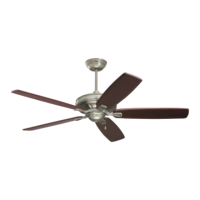
• Ceiling Fan Blades
The use of any other control not specifically approved
for this fan could result in fire, shock and personal
injury.
WARNING
!
This product is designed to use only those parts
supplied with this product and/or any accessories
designated specifically for use with this product.
Substitution of parts or accessories not designated
for use with this product by Emerson could result in
personal injury or property damage.
WARNING
!
Fan/Light Fails to Operate
• Check that the speed switch on the fan is set to
( ) or (
) speed.
• Check that the light switch is on.
• Check that the battery is good (blue indicator light
should light when any button is pressed).
• Check that the receiver is wired properly.
• Check that code switches in the remote control and
receiver are set in the same position.
Short Range
• If the remote control operates the fan when close to
it, but does not operate it at a distance of 40 feet,
try placing the antenna wire outside of the ceiling
cover.


 To Next Page
 Loading...