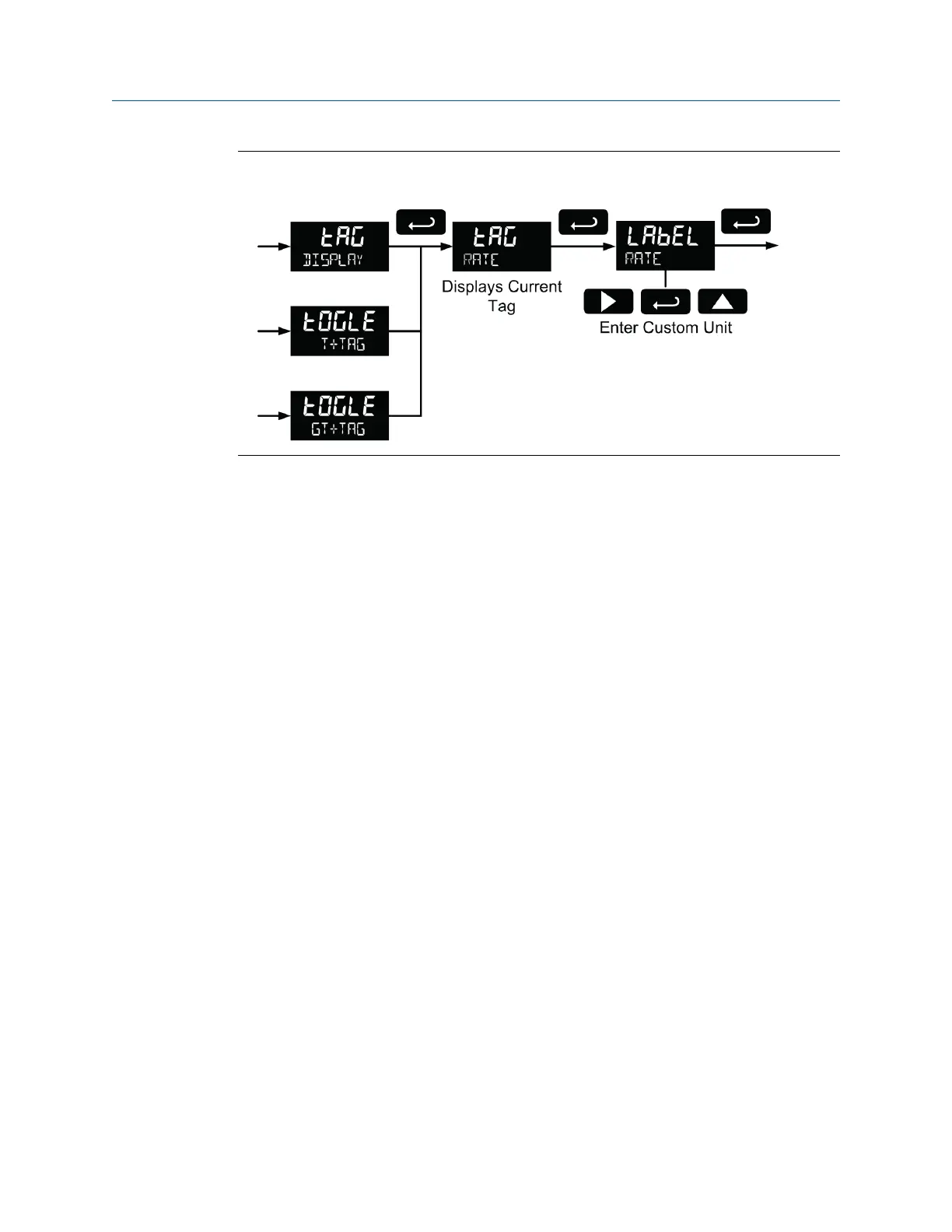
Custom tag (tAG)Figure 5-19:
Alphanumeric values are set by using the Right button to select the digit, the Up and Right
arrow buttons to select the digit reading. The Enter button confirms and selects the next
digit.
Refer to Section 5.4 for details on setting alphanumeric labels.
5.7.7 Set the toggle time (TIME)
If the bottom display is programmed to toggle (tOGLE), the meter will prompt for a toggle
time. In addition, you may be required to enter a tag. See the example below.
Enter the time in seconds for the unit or tag to display in the bottom window every 10
seconds. The unit may be programmed to display for 1 to 5 seconds.
Press the Enter button at any time, to accept a setting or press the Menu button to exit
without saving changes.
Setup and programming
User manual 51



 To Next Page
 Loading...









