12
record while the HDMI cable is connected).
2.10 Delete files
In playback mode, press the Menu key to start menu-setup, and then choose the delete item
to delete files.
3. Connect to PC
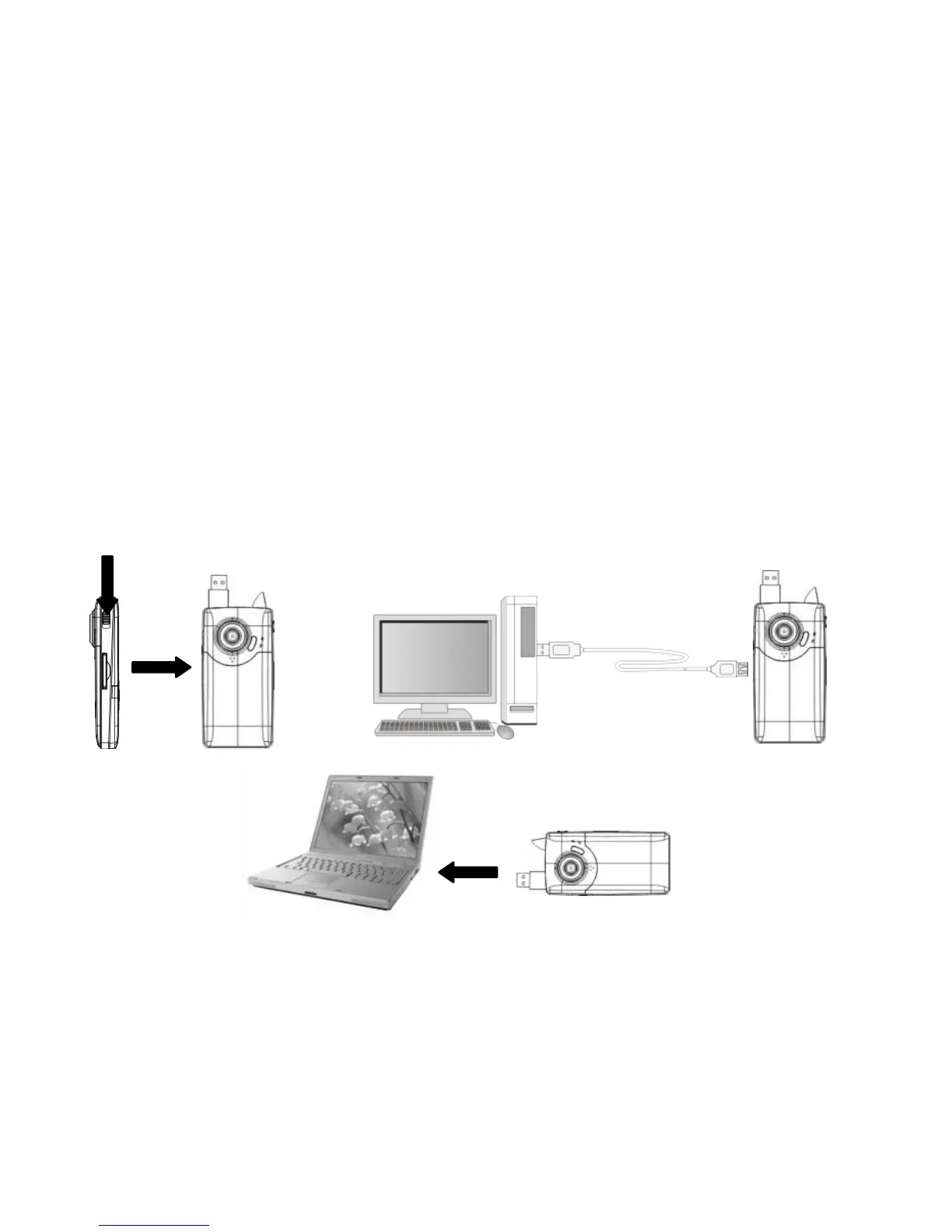
3.1 Turn the camcorder on. Slide the USB switch up to extend the USB connector.
3.2 Insert the camera‟s USB connector into computer‟s USB port, or use the supplied
USB extension cable to make the connection.


 To Next Page