17
Application of attached Software
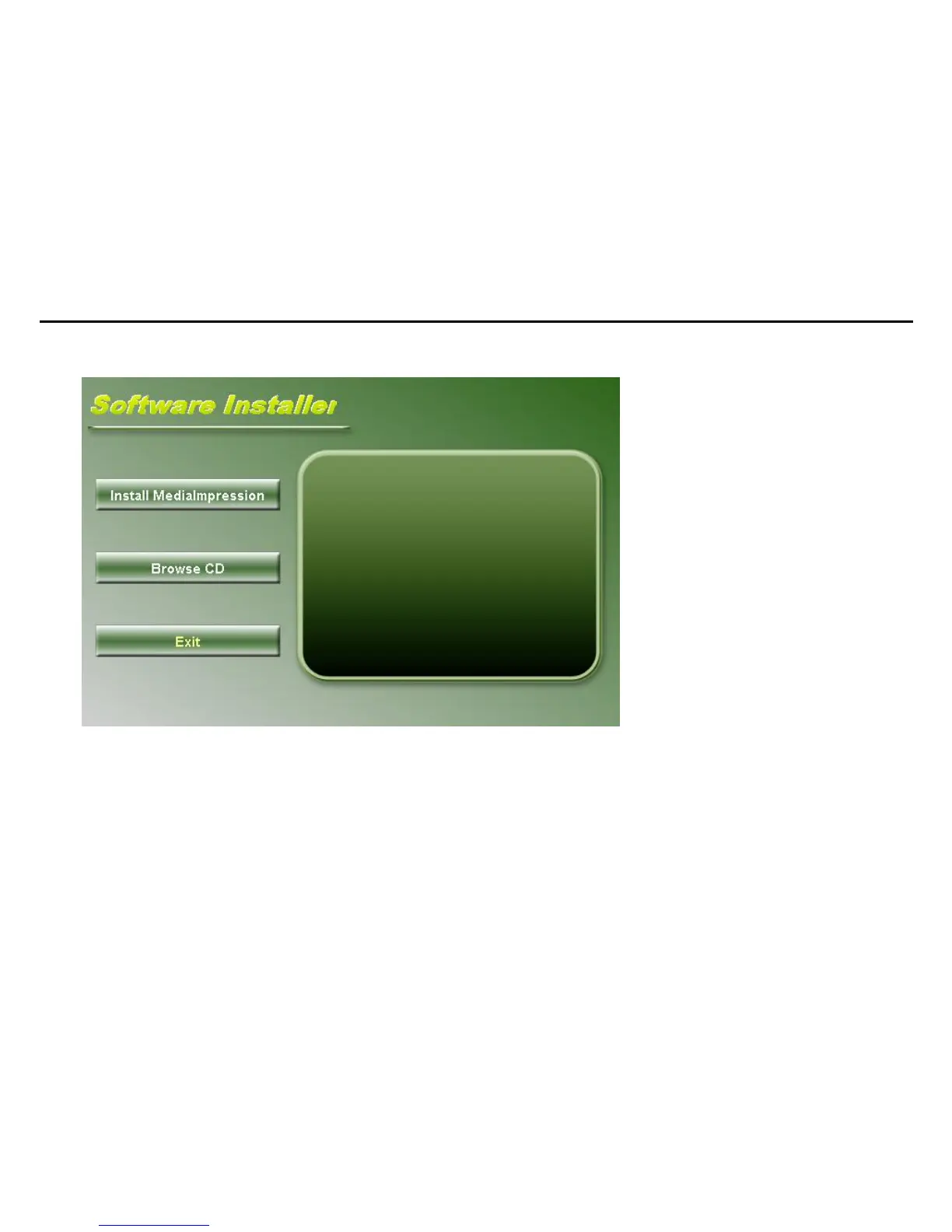
1. Introduction interface for software installation
Put the CD into the CD-ROM of a computer, and then the following menu will appear:
If the above screen does not show up, click the autorun.exe program under the directory of the CD.
2. MediaImpression Installation and Use
Install MediaImpression:
Click “Install MediaImpression” button and complete the installation as per the tips.


 To Next Page