8
2. Basic operation
2.1 Installing the battery
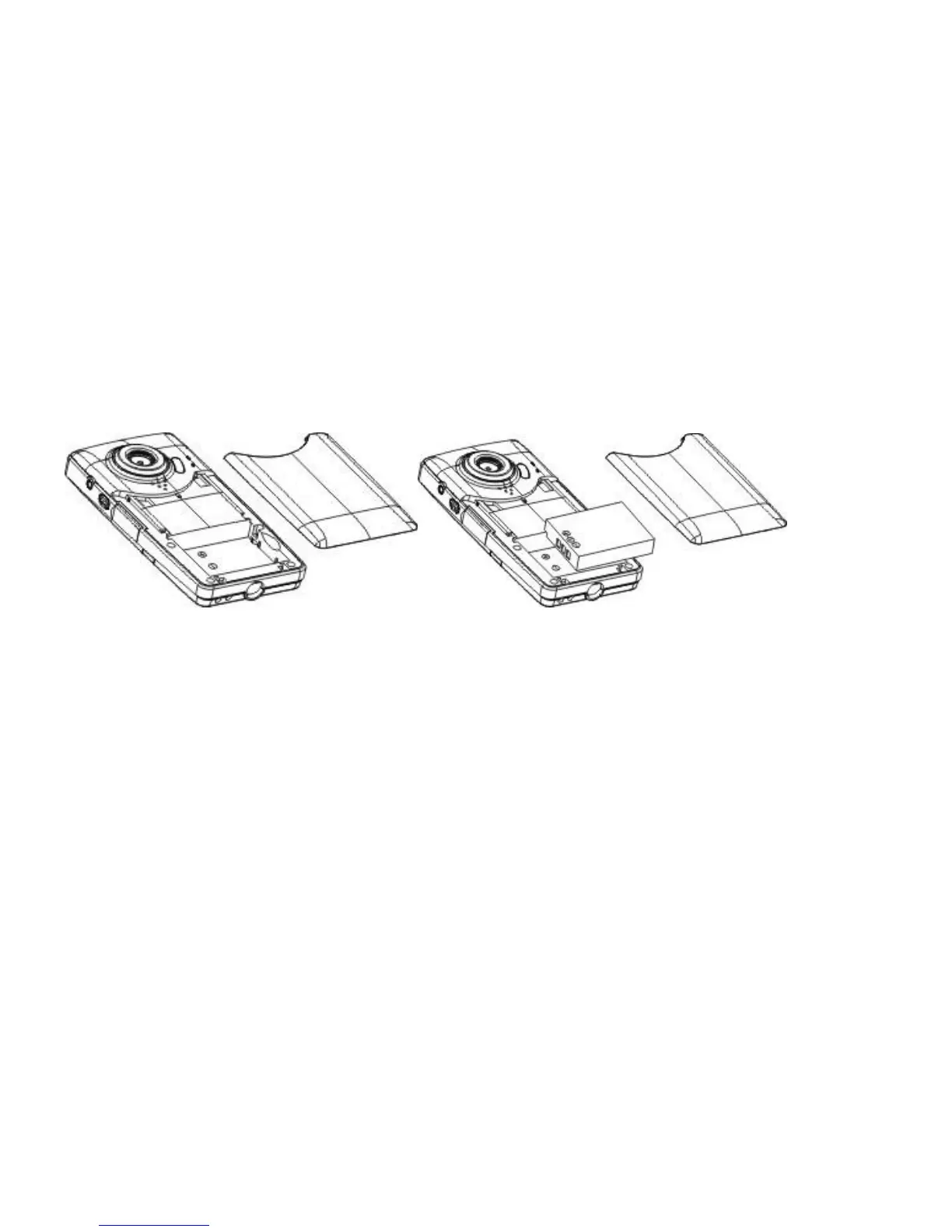
Press / slide down the battery cover and insert the included lithium battery. Align with correct
polarity (+,-) of battery terminals. Close the battery cover.
2.2 Charging the battery
1. Power off the camera.
2. Connect the camera to the computer USB port or to a power adapter with the USB cable
to charge the battery.
3. During charging, the busy red light will be on. The busy light is located on the top of the
digital video camera to the left of the lens as shown on page 7. The light will turn off when the battery
is fully charged.


 To Next Page