8
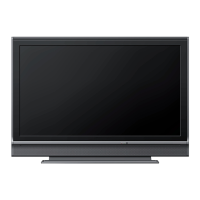
Control Panel
-3
3
-4
-5 4
S
m7
8
6
VOLUME A/V _,J p.12
Press to adjust the volume up/down o1"move right
(A)/left (V) through the main menu terns.
CHANNEL ,&IT _,J p.13
Press to select channels or move up (A)/down (_)
through the main menu items.
MENU _,_ p.15
SOURCE ll,!. p.12
POWER _ ll,j p.ll
Press to turn the unit on and go into standby mode.
[b completely turn off the unit, you must unplug the AC
power cord.
Infrared sensor window
Receives infi'ared rays transmtted from the remote
control.
7 Standby indicator
Lights up red when the unt is n ssandby mode and
flashes when the unit goes nto standby mode.
8 Illuminance sensor window
Alters the br ghtness of theTV screen automat tally by
detect ng your room lighting level. Do not block anything
in fl'ont of ts window to work properl}4


 To Next Page