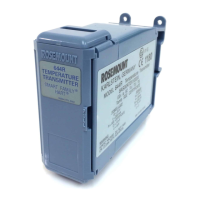
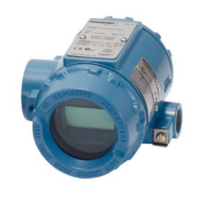
2. From the Home screen, select 644H and 644R: 3 Service Tools > 5
Simulate > 1 Loop Test.
3. Select a discrete milliampere level for the transmitter to output.
• At Choose Analog Output, select 1 4mA or 2 20mA
• Select 3 Other to manually input a value between 4 and 20
milliamperes.
4. To show the fixed output, select Enter.
5. Select OK.
6. In the test loop, verify the transmitter’s actual mA output and the
HART
®
mA reading are the same value.
If the readings do not match, either the transmitter requires an
output trim or the meter is malfunctioning.
After completing the test, the display returns to the loop test screen
and allows you to choose another output value.
7. To end the loop test, select 5 End and Enter.
Quick Start Guide April 2019
26 Rosemount 644H and 644R



 To Next Page
 Loading...