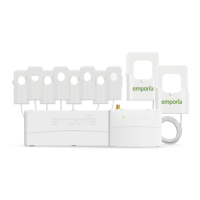
Step 11: Complete setup
Return to the Emporia app to continue the
setup process that you began in Step 1 by
scanning the QR code on the Vue or
Getting Started Guide to connect the Vue to
the internet via Wi-Fi or wired LAN
connection.
Need help?
emporiaenergy.com/support
support@emporiaenergy.com
1-844-EMPORIA (367-6742)


 To Next Page
 Loading...