2 : Remove the HDD
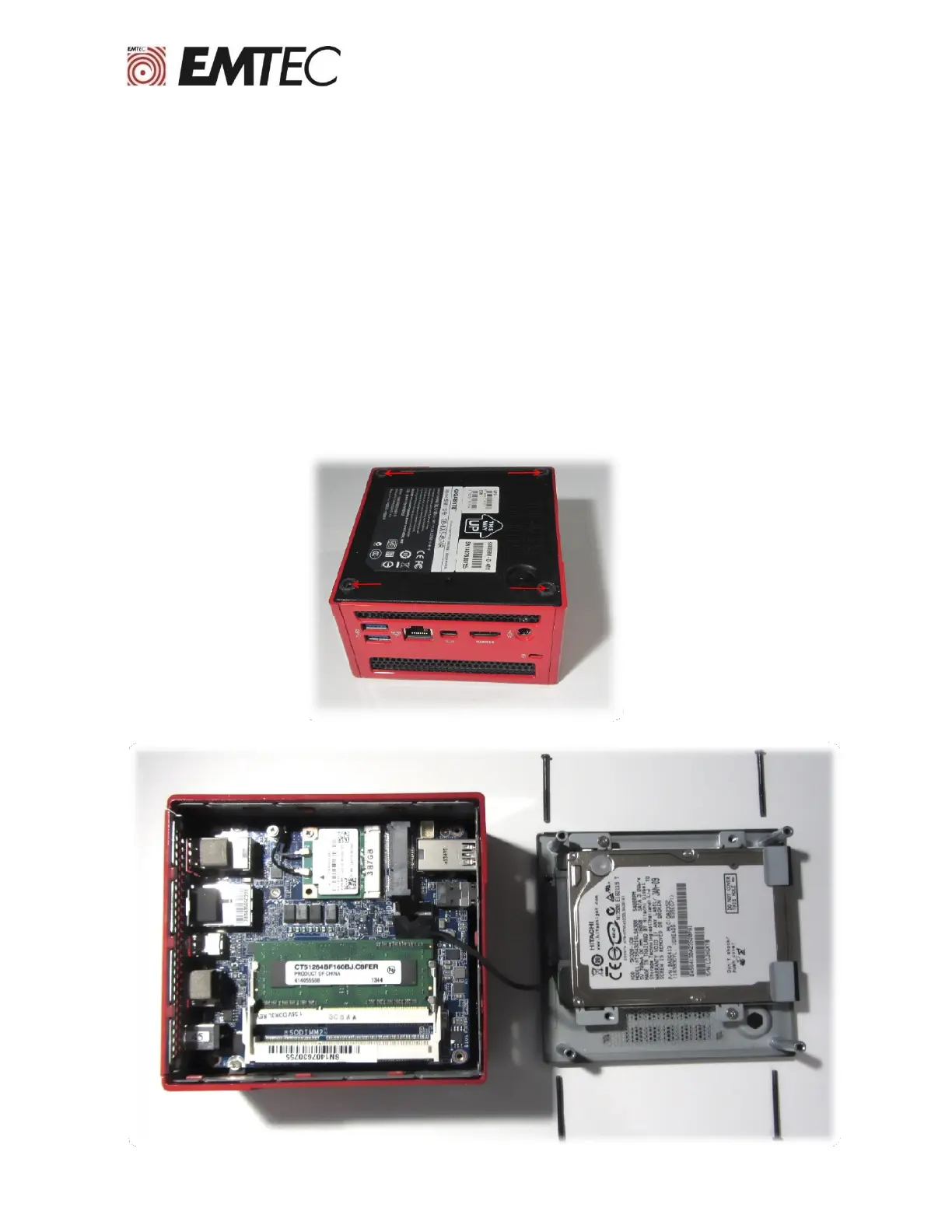
Consult the computer’s manufacturer user manual to locate and remove the original HDD. In most
cases, it is necessary to unscrew and remove the side or bottom panel.
Warning!
Static electricity is potentially dangerous to the various electronics components of your computer
during the installation of the SSD. To protect your computer from possible static electricity damage,
we recommend that you touch a metal part of the computer chassis to discharge static electricity
from your body and put yourself at the same electrical potential as your computer.
3


 To Next Page