EasyManua.ls Logo

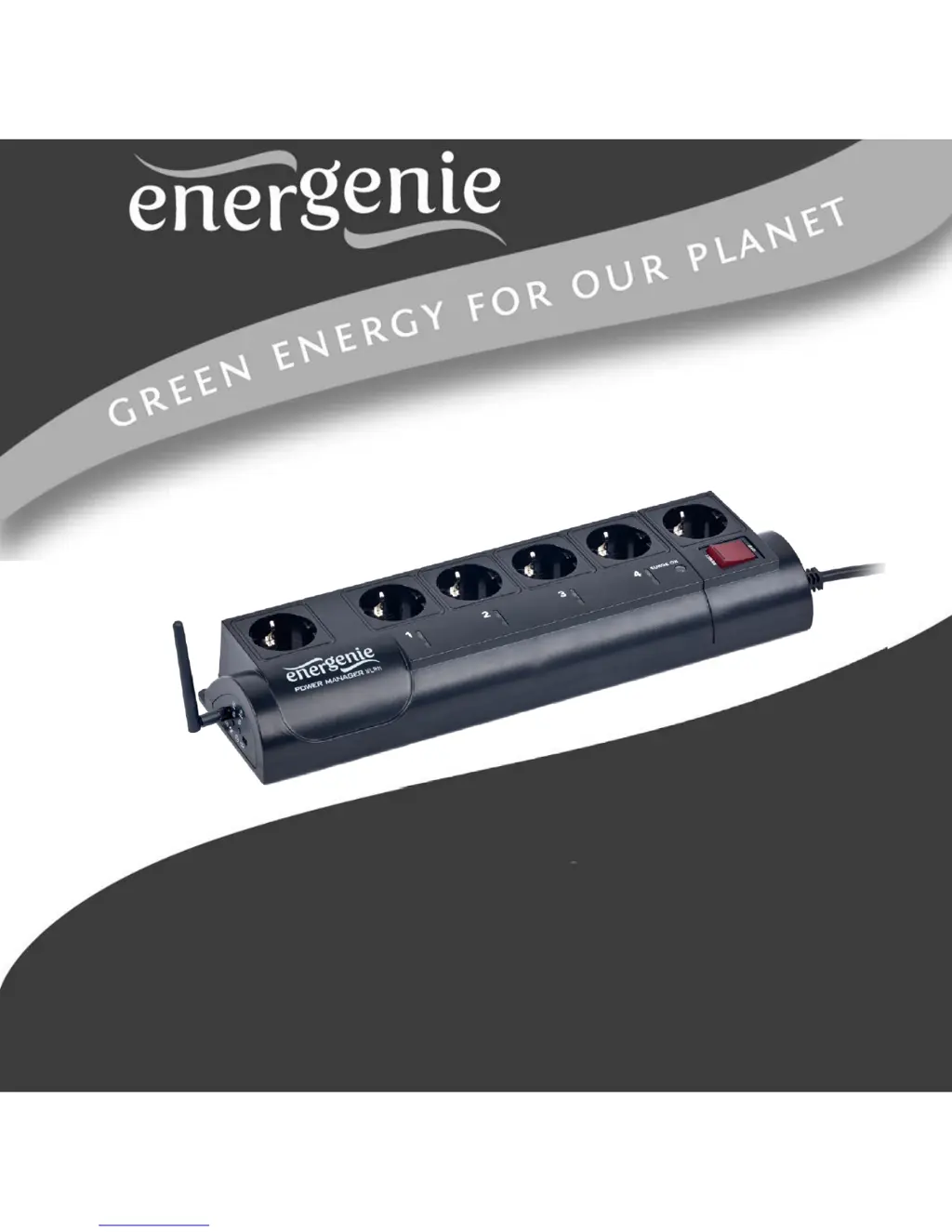
Energenie EG-PMS2-WLAN - User Manual

Energenie EG-PMS2-WLAN
67 pages
Print Icon
To Next Page IconTo Next Page
Loading...
USER MANUAL
HANDBUCH
HANDLEIDING
MANUEL DESCRIPTIF
РУКОВОДСТВО ПОЛЬЗОВАТЕЛЯ
КЕРІВНИЦТВО КОРИСТУВАЧА
EG-PMS2-WLAN PROGRAMMABLE SURGE
PROTECTOR WITH WLAN INTERFACE

Questions and Answers

  • M
    Meredith LittleAug 10, 2025
    What to do if Energenie Surge Protector doesn't switch on?
    • D
      Dawn WalterAug 10, 2025
      If the Energenie Surge Protector (EG-PMS2-WLAN) switching command fails and neither the rocker switch nor indicators light up, ensure the device is properly connected to a power source and that the rocker switch is turned on.
  • G
    Gregory BrownAug 18, 2025
    What to do if Energenie Surge Protector is connected but not responding?
    • R
      Rebecca LawrenceAug 18, 2025
      If your Energenie Surge Protector (EG-PMS2-WLAN) is connected to a local network (ping test is successful) but isn't responding, reset it by pressing the Reset button on the side control panel or switch it off and then on again using the Main rocker switch.
  • J
    jonathanclarkAug 27, 2025
    Why does the Energenie Surge Protector rocker switch turn off?
    • A
      Amanda ClarkAug 27, 2025
      If the rocker switch on your Energenie Surge Protector turns off, it's likely that the connected load is too high. Disconnect some devices from the EG-PMS2-WLAN before turning the rocker switch back on.
  • D
    dylanmcfarlandSep 2, 2025
    How to fix Energenie Surge Protector connection lost?
    • B
      bergermelissaSep 2, 2025
      If the connection to your Energenie Surge Protector (EG-PMS2-WLAN) is lost and there might be an IP address issue, ensure the device is connected to WLAN and switched on. Then, launch the LAN Find utility. Alternatively, use the IP config (C) button to renew the device's IP address.

Summary

Introduction to EG-PMS2-WLAN

Technical Specifications

Details technical specifications of the EG-PMS2-WLAN device, including voltage and load.

Installation and Initial Setup

Power Manager Software Installation

Guides users through the process of installing the essential management software.

WLAN and Network Configuration

Steps for connecting the device to a local Wi-Fi network and configuring its IP settings.

Web Server Management Interface

Accessing the Web Server Login Page

Instructions on how to access the device's web interface for management.

Navigating the EnerGenie Web Page

Details on using the EnerGenie interface to monitor and control sockets.

Power Manager Core Features

Setting Up Hardware Schedules

Creating and managing automated time-based schedules for socket switching.

Troubleshooting Common Issues

Energenie EG-PMS2-WLAN Specifications

General IconGeneral
TypeSurge Protector
Wi-Fi ConnectivityYes
Number of Outlets4
Remote ControlYes
App ControlYes
USB Ports2
Weight600g

Related product manuals