EasyManua.ls Logo

Energenie EG-SMS - User Manual

Energenie EG-SMS
34 pages
Print Icon
To Next Page IconTo Next Page
Loading...
USER MANUAL
HANDBUCH
HANDLEIDING
MANUEL DESCRIPTIF
РУКОВОДСТВО ПОЛЬЗОВАТЕЛЯ
КЕРІВНИЦТВО КОРИСТУВАЧА
EG-SMS
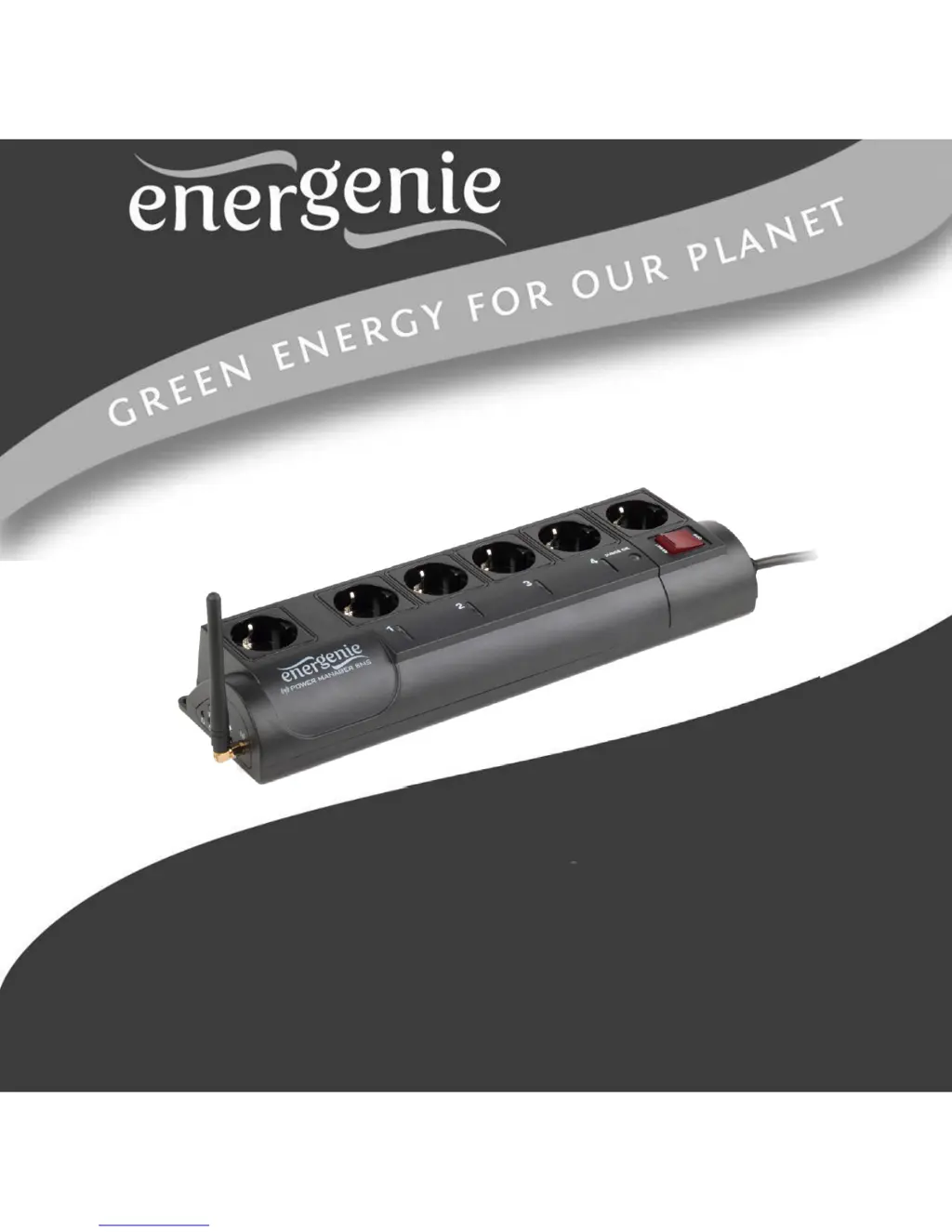
PROGRAMMABLE POWER OUTLET STRIP
WITH GSM INTERFACE

Questions and Answers

  • A
    Annette BentonAug 8, 2025
    What to do if the Energenie EG-SMS switching command is not carried out?
    • J
      Jeremy JonesAug 8, 2025
      If the switching command isn't executed but the rocker switch on your Energenie Power Strip is lit, there could be several reasons. First, ensure that the power strip is properly connected to a power supply and that the rocker switch is on, especially if the battery is low. Then, check your SIM card: replace it if it’s broken, ensure it has sufficient balance for sending and receiving SMS messages. Also, verify that you've set the password correctly. Mobile operator delays can also cause this issue, so please wait.
  • L
    Lori SmithAug 25, 2025
    Why does Energenie EG-SMS Power Strip main rocker switch turn off?
    • G
      georgemillerAug 25, 2025
      The main rocker switch of your Energenie Power Strip may automatically turn off if the connected load is too high. To fix this, disconnect some of the devices connected to the power strip.

Summary

1. Introduction

1.1. Features

Details the main rocker switch, individual socket control, pre-programmed hardware schedule, and battery backup for schedules.

1.2. Specifications

1.3. Hardware requirements

1.4. Package contents

2. Indicators and controls of the EG-SMS

2.1. Side panel #1

Details the components located on the first side panel, including indicators and buttons.

2.2. Indicators

Explains the meaning of the main rocker switch, socket indicators, network status indicator, and schedule status indicator.

3. Installation

3.1. Getting started

Outlines the initial steps for connecting the device, antenna, and identifying socket types.

3.2. Power Manager software installation

3.3. Initial configuration

4. Operating EG-SMS with simple mobile phone by SMS

4.1 Controlling the sockets.

Details SMS commands for switching individual sockets ON/OFF with example output.

4.2 Using alarms by WATER, LOCKER, TEMPERATURE sensors

4.3 Control socket autonomously by WATER, LOCKER, TEMPERATURE sensors

4.4 Monitoring socket sensor states

4.5 Monitoring enable;disable sensor

4.6 Setting the hardware schedule

5. Energenie Power Manager software for Android OS

6. Troubleshooting

Energenie EG-SMS Specifications

General IconGeneral
ModelEG-SMS
TypeSmart Power Strip
Number of Sockets4
Remote ControlYes
SIM Card SlotYes
Voice ControlNo
Energy MonitoringNo
Timer FunctionYes
Schedule FunctionYes
Overload ProtectionYes
USB PortsNo
Wi-Fi ConnectivityNo
Control MethodSMS
Maximum Load13A

Related product manuals