EasyManua.ls Logo

Energizer 50904 - User Manual

Energizer 50904
16 pages
Print Icon
To Next Page IconTo Next Page
Loading...
PLEASE SAVE THESE INSTRUCTIONS. THIS MANUAL CONTAINS IMPORTANT SAFETY AND
OPERATING INSTRUCTIONS. READ AND FOLLOW ALL INSTRUCTIONS BEFORE EACH USE.
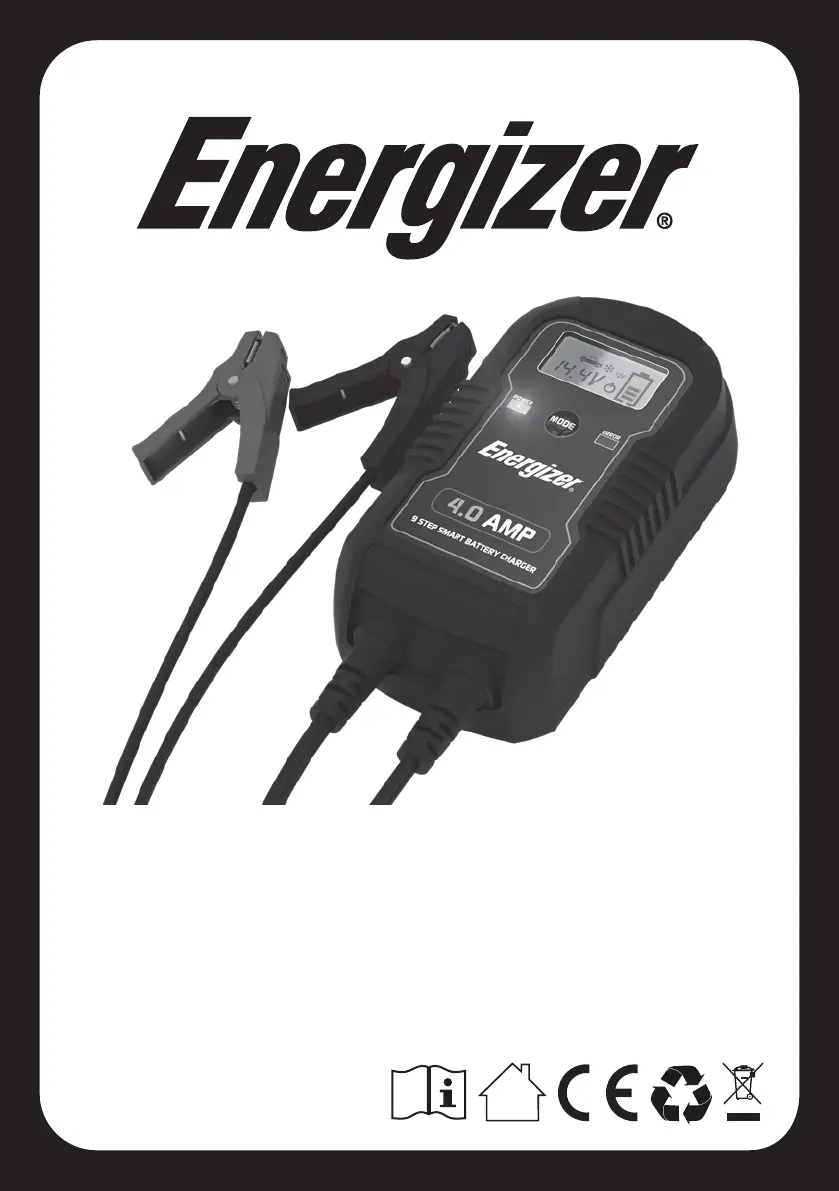
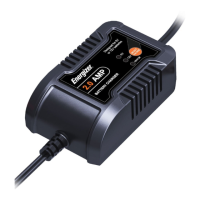
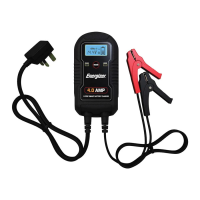
4AMP
9 STEP SMART
CAR BATTERY CHARGER
CHARGES & MAINTAINS BATTERY
USER GUIDE
50904

Questions and Answers

  • C
    Cathy CannonAug 4, 2025
    What to do if my Energizer 50904 Battery Charger shows Er2 error and the battery won't charge?
    • R
      Rebecca MorrisAug 4, 2025
      If your Energizer Battery Charger displays 'Er2' and the battery voltage remains below 11V after charging for 4 minutes, or if the battery isn't fully charged after 24 hours, the battery might be defective and needs replacement. Alternatively, a load connected to the battery could be the issue; disconnect it and try charging again. Also, the charge current might be too low, so try selecting a higher charge rate.
  • T
    Taylor WilliamsAug 11, 2025
    Why is my Energizer Battery Charger overheating?
    • T
      Tristan CooperAug 11, 2025
      If your Energizer Battery Charger is overheating and showing 'Er3', it could be due to a high ambient temperature. Make sure the charger has enough ventilation. It will start charging again once it cools down.
  • A
    Alexis ToddAug 19, 2025
    What to do if my Energizer 50904 Battery Charger displays Er1 error?
    • O
      Omar HowardAug 19, 2025
      If your Energizer Battery Charger shows 'Er1' because the battery voltage is less than 0.5V before charging, it might be due to several reasons. The battery could be defective and needs replacing. Check that the battery clamps are correctly and firmly connected, and not connected to each other. Also, ensure the selected mode matches the battery voltage.
  • J
    John ObrienAug 27, 2025
    Why does my Energizer 50904 say Er2 when the battery won't hold charge?
    • G
      Gavin PenaAug 27, 2025
      If your Energizer Battery Charger indicates 'Er2' because the battery voltage drops below 12V within 2 minutes after being fully charged, it suggests the battery is likely sulphated beyond repair and should be replaced.

Summary

Important Safety Instructions

Battery Type and Environmental Safety

Charge only specific battery types and avoid environmental hazards like rain.

Charger and Cord Integrity

Maintain charger and cord integrity; unplug before servicing; avoid disassembly.

Extension Cable and Cord Placement

Secure cords to prevent damage and use properly rated extension cables.

Explosive Gases Hazard Warning

Critical warning about explosive gases from lead-acid batteries and prevention.

Personal Safety Precautions

Protective Gear and Acid Response

Wear eye/clothing protection and know how to respond to battery acid exposure.

Fire and Spark Prevention Measures

Strictly avoid smoking, flames, and dropped items near batteries.

Jewellery and Short Circuit Risk

Remove metal jewellery to prevent severe burns from battery short circuits.

Battery Compatibility and Charging Rules

Charge only specified battery types; never charge a frozen battery.

Features

Key Charger Components

Identifies the AC mains lead, charger unit, LCD display, and fully insulated clamps.

Control Panel Overview

LCD Display Icons and Indicators

Explanation of icons and indicators on the LCD display for charging status and modes.

Mode Selection and Indicator LEDs

Details on using the mode selection button and understanding power/polarity LEDs.

Operating Instructions

Preparation and Charger Placement

Steps for preparing the battery, environment, and locating the charger.

DC Connection Procedures

Safely connecting the charger to a battery installed in or outside a vehicle.

AC Power Cord and Charge Time

Guidelines for AC connection and estimating battery charge duration.

Charging Process

Automatic Charge Mode Stages

Details the 9-stage automatic charging process for optimal battery performance.

Additional Charger Features

Explains features like reverse polarity, short circuit, and overheat protection.

Troubleshooting Error Codes

Error Code Er1

Covers issues like low voltage, disconnected clamps, or mode mismatch.

Error Code Er2

Addresses battery defects, connected loads, or insufficient charge current.

Error Code Er3

Indicates high charger temperature due to ambient conditions.

Maintenance and Technical Data

Maintenance Instructions

Basic cleaning and storage guidelines to prolong the charger's lifespan.

Technical Specifications

Details model, input/output voltage, current, dimensions, and weight.

Warranty and Return Information

Warranty Coverage and Service

Details the limited warranty period, coverage, and how to obtain service.

Warranty Exclusions

Lists conditions and product misuse that are not covered by the warranty.

Return Procedure

Instructions for safely packaging and returning the unit for warranty service.

Energizer 50904 Specifications

General IconGeneral
BrandEnergizer
Model50904
Number of Slots4
Compatible Battery TypesAA, AAA
Safety FeaturesOvercharge protection, Short circuit protection, Reverse polarity protection

Related product manuals