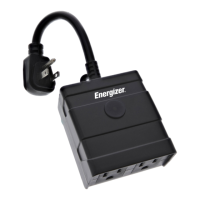
If you need to reset or troubleshoot your Smart Outdoor Plug, simply hold
down on the power/reset button for 5-10 seconds.
Pairing Modes:
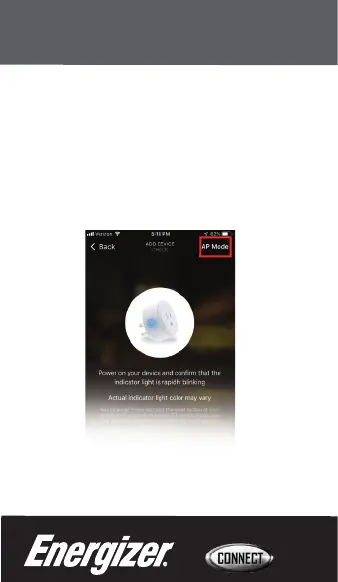
EZ mode: The device's light is rapidly blinking for easy, quick pairing setup.
AP Mode: Access Point mode is a secondary setup process in which the
device's indicator light is slowly blinking and requires multiple steps for
pairing. Follow the on-screen step by step instructions.
Troubleshooting
11


 To Next Page