55
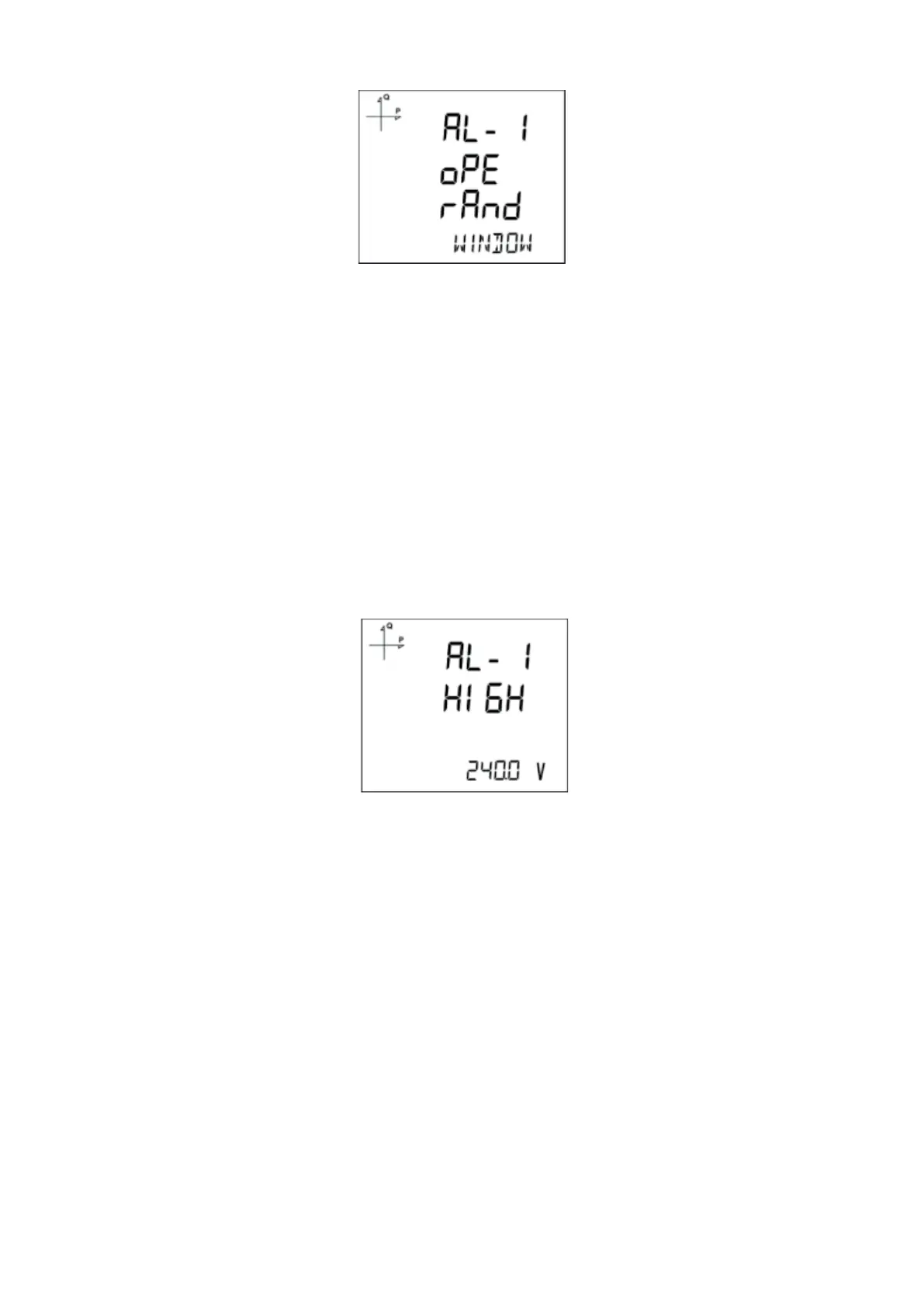
5.2.13.3. Alarm Operation Type Selection
1. Press the SET button to select the alarm operation type.
2. Select one of the following options:
a. In window
b. Out window
c. Lower than
d. Higher than
• When “In window” or “Out window” options are selected, high and low limit values are entered.
• When “Higher than” option is selected, a high limit value is entered. When “Lower than” option
is selected, a low limit value is entered.
• When exiting from the menu with the BACK or ESC button, don’t forget to save the changes.
5.2.13.4. High Alarm Limit Setting
A high limit for the alarm is entered in this menu.
1. While Alarm Enable is selected, nd Alarm High menu with UP/DOWN buttons
2. Press the SET button. Enter the high alarm limit with UP/DOWN buttons.
3. Press the SET button after completing your selection.
4. Alarm parameters can be saved for 4 dierent alarms separately.
5. When exiting from the menu with the BACK or ESC button, don’t forget to save the changes.



 To Next Page