Copyright © Entrypass Corporation
ENTRYPASS TECHNICAL – CONFIGURATION GUIDE
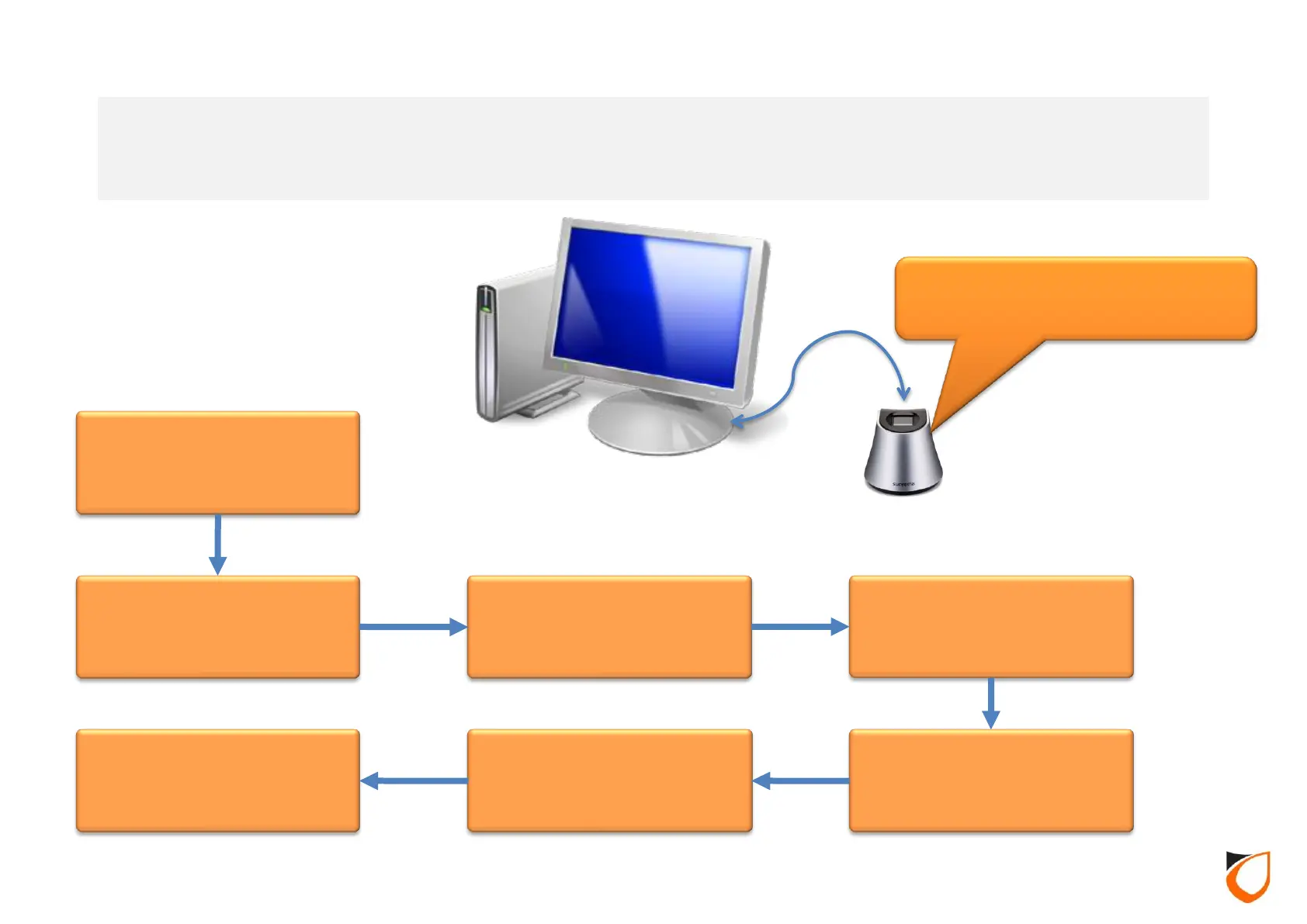
Add control panel to
Entrypass Platform1 ACS
Select “Reader Type”
for Suprema
Step - 01
Step - 02
Enable Suprema
Device ID
Enroll Administrator’s
fingerprint template
Step - 03
Enroll Staff’s fingerprint
template
Step - 04 Step - 05 Step - 06
Connect Suprema
BioMiNi Enrollment
Station to EP.P1
Pre-Requisites
SBD are connected to
HCB based control
panel
USB
Entrypass Platform1 Access Control System – Suprema SBD
Integration Workflow
Suprema BioMini enrollment
station
18



 To Next Page