EasyManua.ls Logo

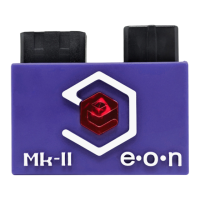
Eon GCHD Mk-II - GCHD Mk-II Installation Guide; General Set Up Instructions; Enabling Progressive Scan Mode (480 p)

Eon GCHD Mk-II
6 pages
Print Icon
To Next Page IconTo Next Page
To Previous Page IconTo Previous Page
Loading...
GCHD
Mk-II
INSTALLATION
GCHD
Mk-II
only
operates
on
GameCubes
with
the
model
number
DOL-001
(first
gen).
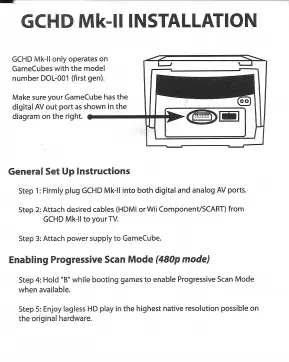
Make
sure
your
GameCube
has
the
digital
AV
out
port
as
shown
in
the
diagram
on
the
right.
General
Set
Up
Instructions
Step
1:
Firmly
plug
GCHD
MkII
into
both
digital
and
analog
AV
ports.
Step
2:
Attach
desired
cables
(HDMI
or
Wii
Component/SCART)
from
GCHD
MkII
to
your
TV.
Step
3:
Attach
power
supply
to
GameCube.
Enabling
Progressive
Scan
Mode
(480p
mode)
Step
4:
Hold
"B"
while
booting
games
to
enable
Progressive
Scan
Mode
when
available.
Step
5:
Enjoy
lagless
HD
play
in
the
highest
native
resolution
possible
on
_
the
original
hardware.